Guests join from a link in any browser, with nothing to install. Zoom participants come in as their own cameras. Everyone gets their own mixer channel and hears the show without echo.
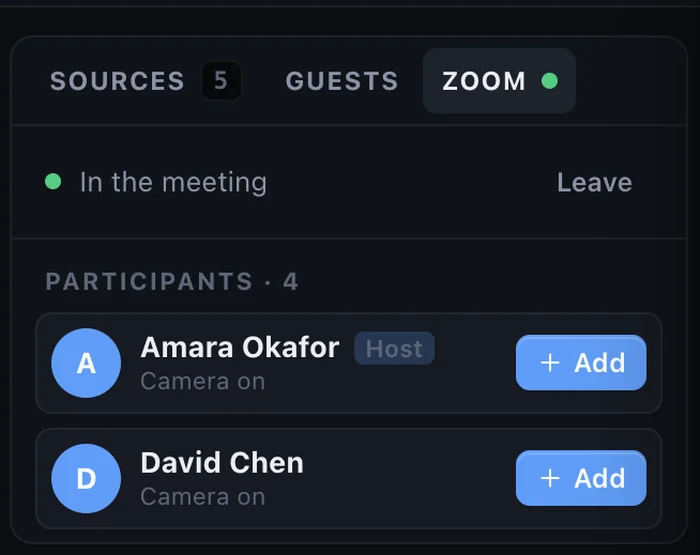
Send a link and guests join from any browser or phone, with nothing to install. Or join your Zoom meeting and put each participant in the show as their own camera, with their own mixer channel.
Copy the invite link, add an optional PIN, and send it by email or chat.
Guests check their camera and mic, wait in the lobby, and you admit them into a slot.
A guest slot works like a camera: any layout, any lower third, any time.
The tools of a TV control room, designed for one person on one Mac.
Scenes, layers, transitions, a real T-bar. Up to 4K.
Learn more →Browser guests from a link, and Zoom participants as sources.
Learn more →EQ, compressor, audio-follows-video, monitor and limiter.
Learn more →Lower-third templates, countdowns and chroma key.
Learn more →YouTube, Facebook, Twitch and 12 more at once.
Learn more →Multi-viewer, Live Output monitors and NDI out.
Learn more →Download StreamPort and try every feature free for 14 days. No credit card.

