

Church livestream audio: how to make your sermon sound clear online
Why church livestreams often sound bad, and the simple mixer settings that make sermons and worship sound clear at home.
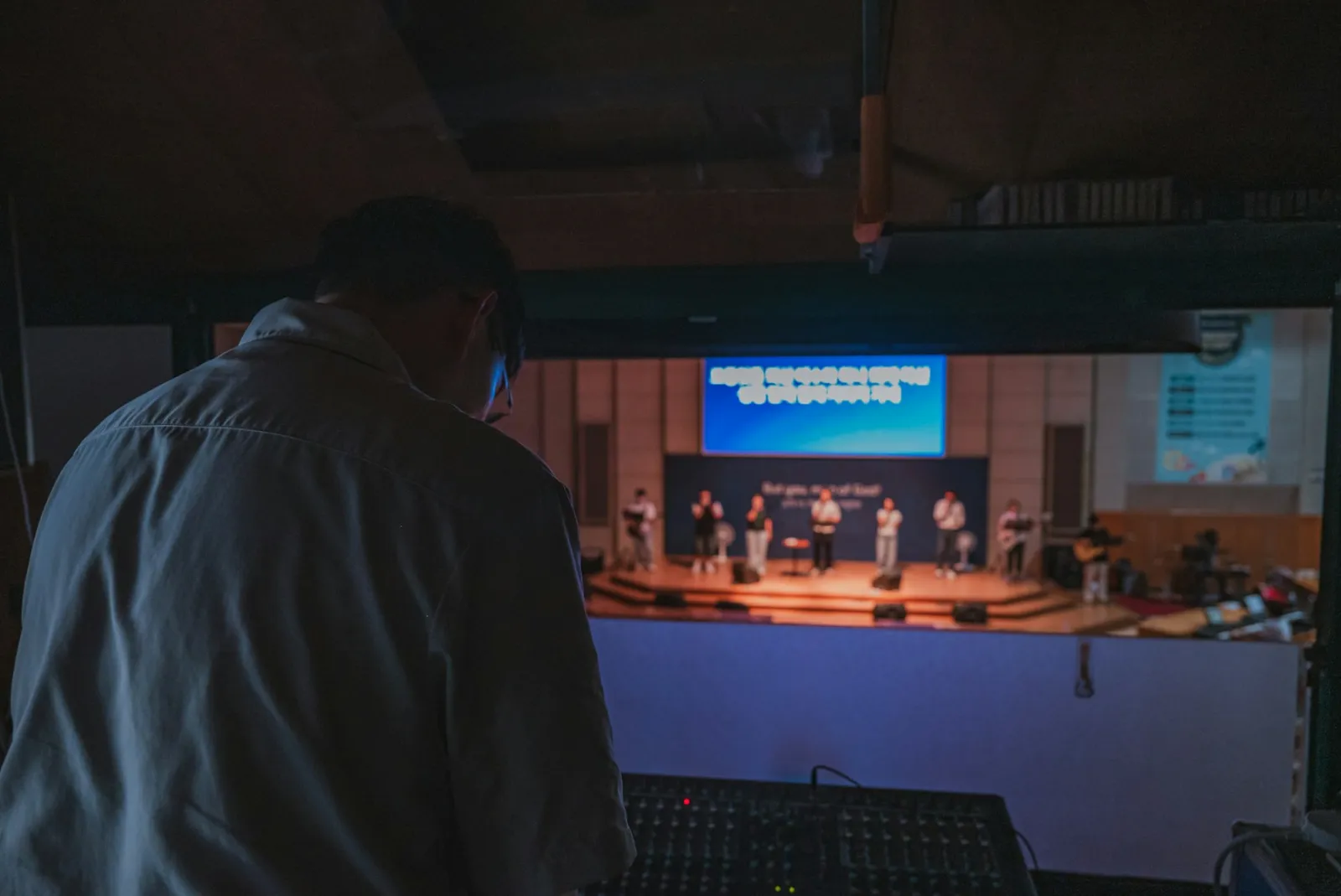
The most common complaint about church livestreams isn’t the picture. It’s the sound: a sermon that is too quiet and then too loud, worship that sounds distant, or a hum nobody in the room can hear. The good news: most of it can be fixed with settings, not new equipment.
Why the room mix doesn’t work online
Your sound desk is mixed for a room full of people. The room adds its own sound: the drums are loud acoustically, so they are barely in the speakers. At home, through phone speakers or earbuds, the stream only hears what is in the desk. That is why worship often sounds thin online and the sermon jumps in volume.
Step 1: Take a feed from the desk
Never use a camera microphone. Send a feed from your sound desk (an aux or matrix output, ideally) into a USB audio interface on the Mac. An aux mix lets your sound person turn up the band for the stream without changing the room.
Step 2: Add a room microphone for worship
One microphone pointed at the congregation, mixed in quietly, brings back the feeling of a full room singing. Add it as a second channel in the StreamPort mixer and bring it up during worship.
Step 3: Use the mixer tools
Every channel in the StreamPort mixer has the tools broadcast engineers use:
- Low cut: removes rumble, air conditioning and stage thumps. Turn it on for every voice.
- Compressor: evens out the pastor who whispers, then shouts. Turn it on for the pulpit mic so the quiet moments are audible at home.
- EQ: a little cut around the muddy low-mids and a small lift for clarity.
- Limiter on the master: catches sudden peaks so nothing distorts. Leave it on.
- Lip-sync delay: if the sound arrives before the picture, delay it a few frames.
Step 4: Music under spoken parts
A soft music bed during announcements and transitions fills awkward silence. StreamPort can duck it automatically: the music gets quieter whenever someone speaks and comes back up after.
Step 5: Listen like your congregation
- Use the headphone monitor to hear exactly what the stream hears, not the room.
- During your Saturday test, listen on a phone speaker and on cheap earbuds.
- Ask one member at home to message you if the sound drops during the service.
Common problems and fixes
- A hum or buzz: a ground loop between the desk and the Mac. A ground loop isolator or a balanced output usually cures it.
- Silence on the stream: StreamPort warns you when the stream has gone quiet, so you catch a muted channel before viewers do.
- Echo: make sure only one source of each sound reaches the mix, and don’t monitor the stream through room speakers.
Read more about the StreamPort audio mixer.
Try StreamPort free for 14 days
Every feature, no credit card. Apple Silicon and Intel Macs.
Keep reading
The simple church livestream setup: everything you need on one Mac
A practical, affordable church livestream setup for small and growing churches, from cameras and sound to going live on YouTube and Facebook.
How to run a church livestream with just one volunteer
Presets, schedules and automation that let one volunteer run a polished church livestream calmly, even on their first Sunday.
Church livestream graphics: scripture, giving and announcements
How to use lower thirds, banners, tickers and countdowns to make online worshippers feel welcome and engaged.