Practical how-tos for streaming from a Mac, and a series for churches and ministries.
Step-by-step help for multistreaming, meetings, graphics and guests.
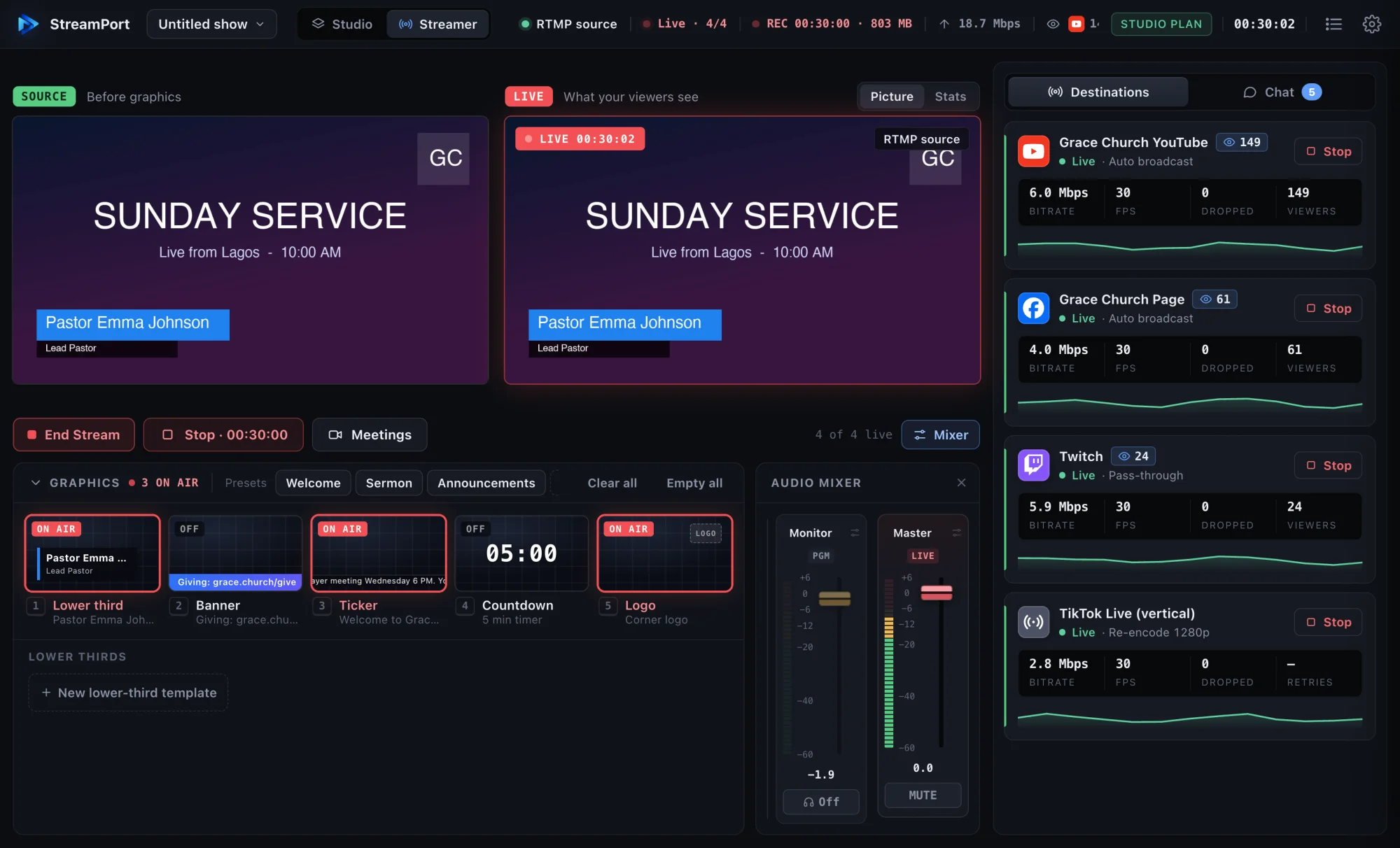
Go live on YouTube, Facebook and other platforms at once from one Mac, without a paid relay service or a second computer.
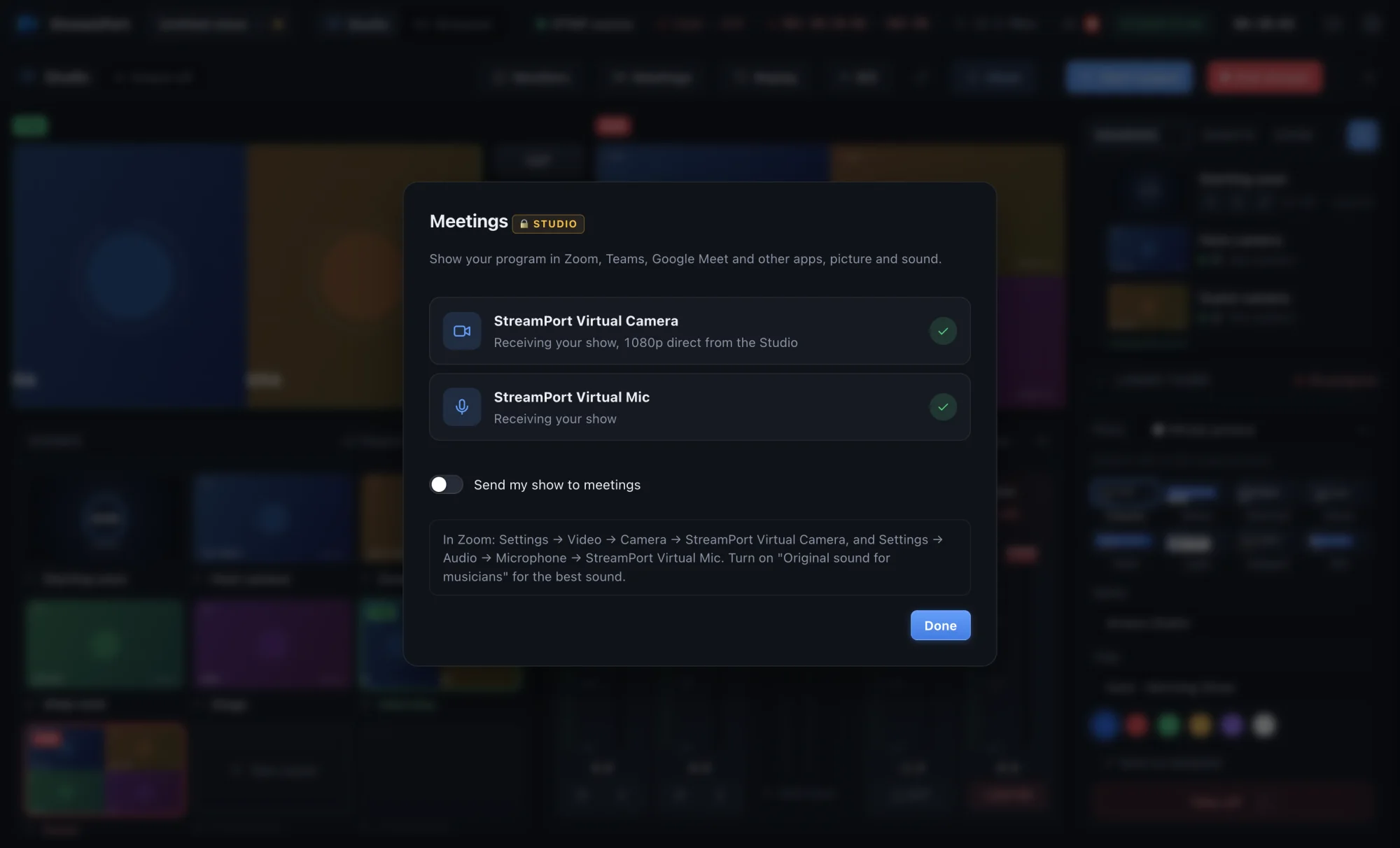
Send your finished show, with graphics, scenes and clean sound, into any meeting app as a camera and microphone.
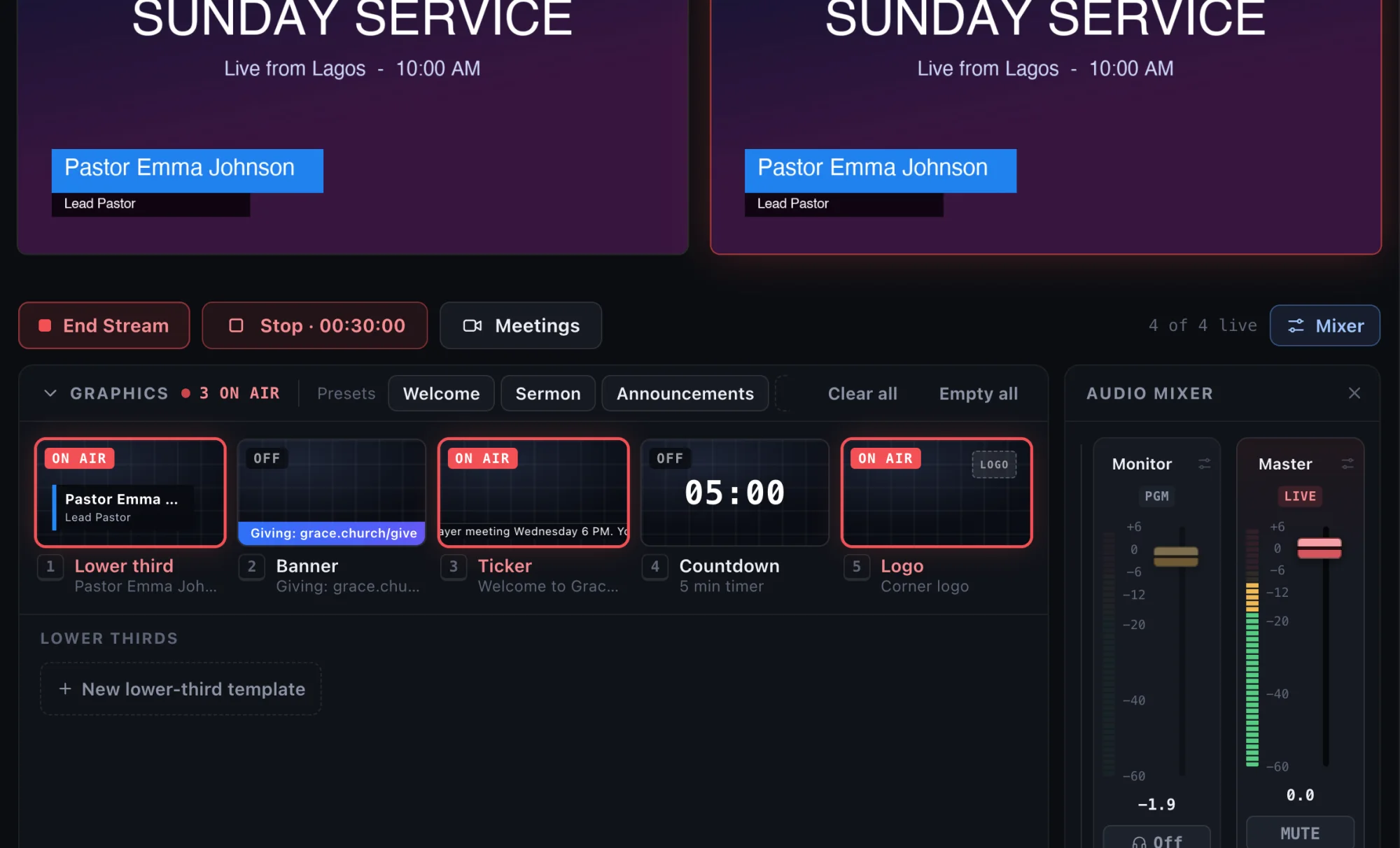
Show names, titles, links and announcements on your livestream with clean lower thirds, banners and tickers.
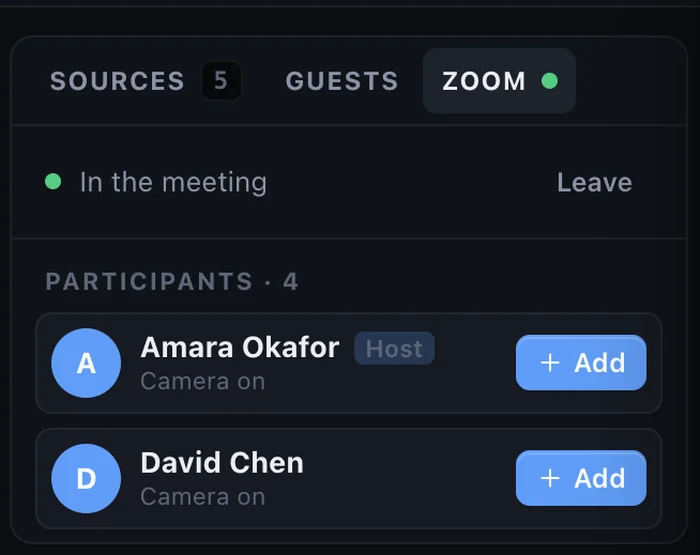
Interview guests anywhere in the world on your live show. They join from a browser on a computer or phone, with nothing to install.
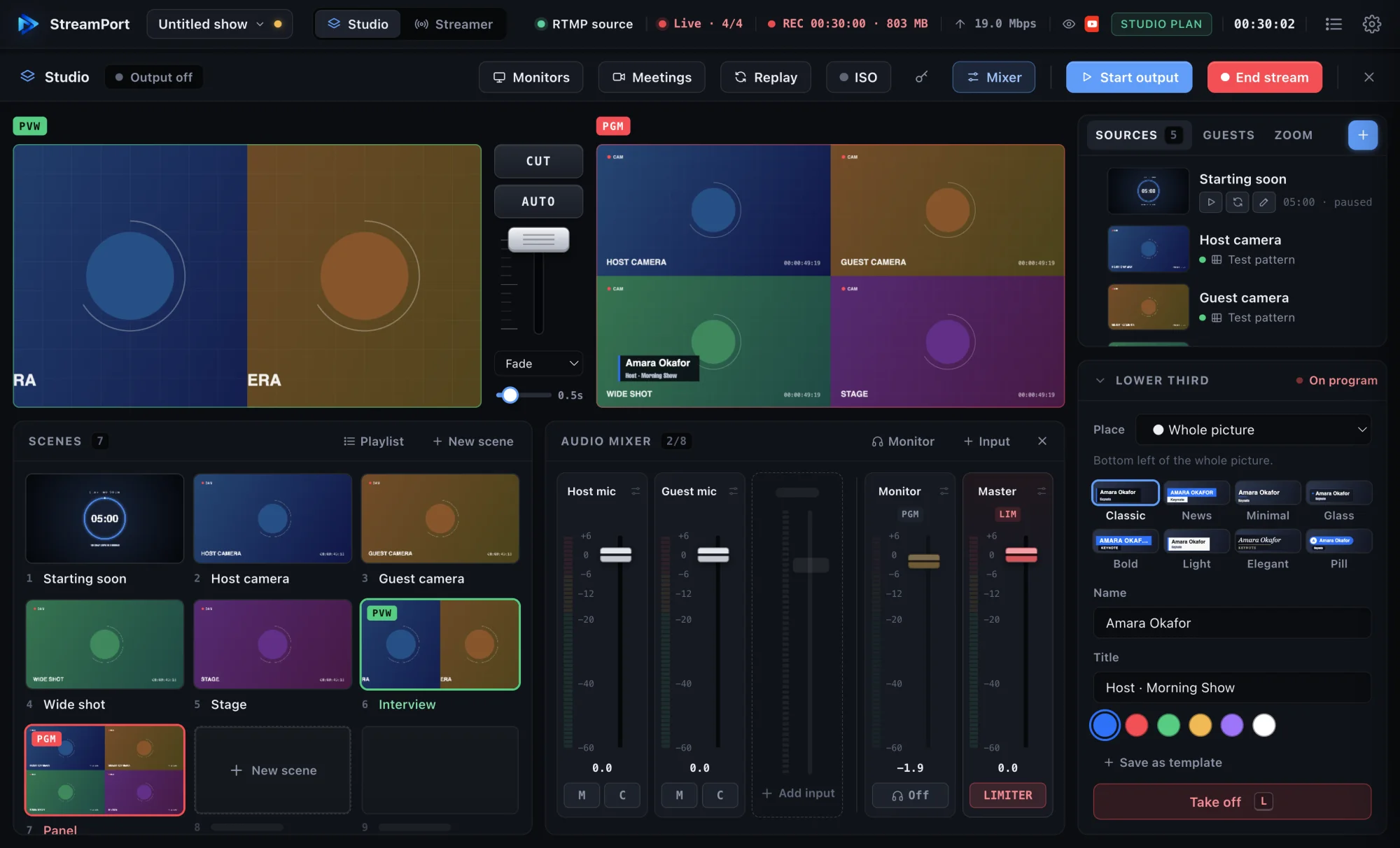
You don’t need OBS or a switcher to multistream. Plug in a camera, press Go Live and reach every platform at once.
Livestreaming your services with a small team, clear sound and a welcoming online experience.
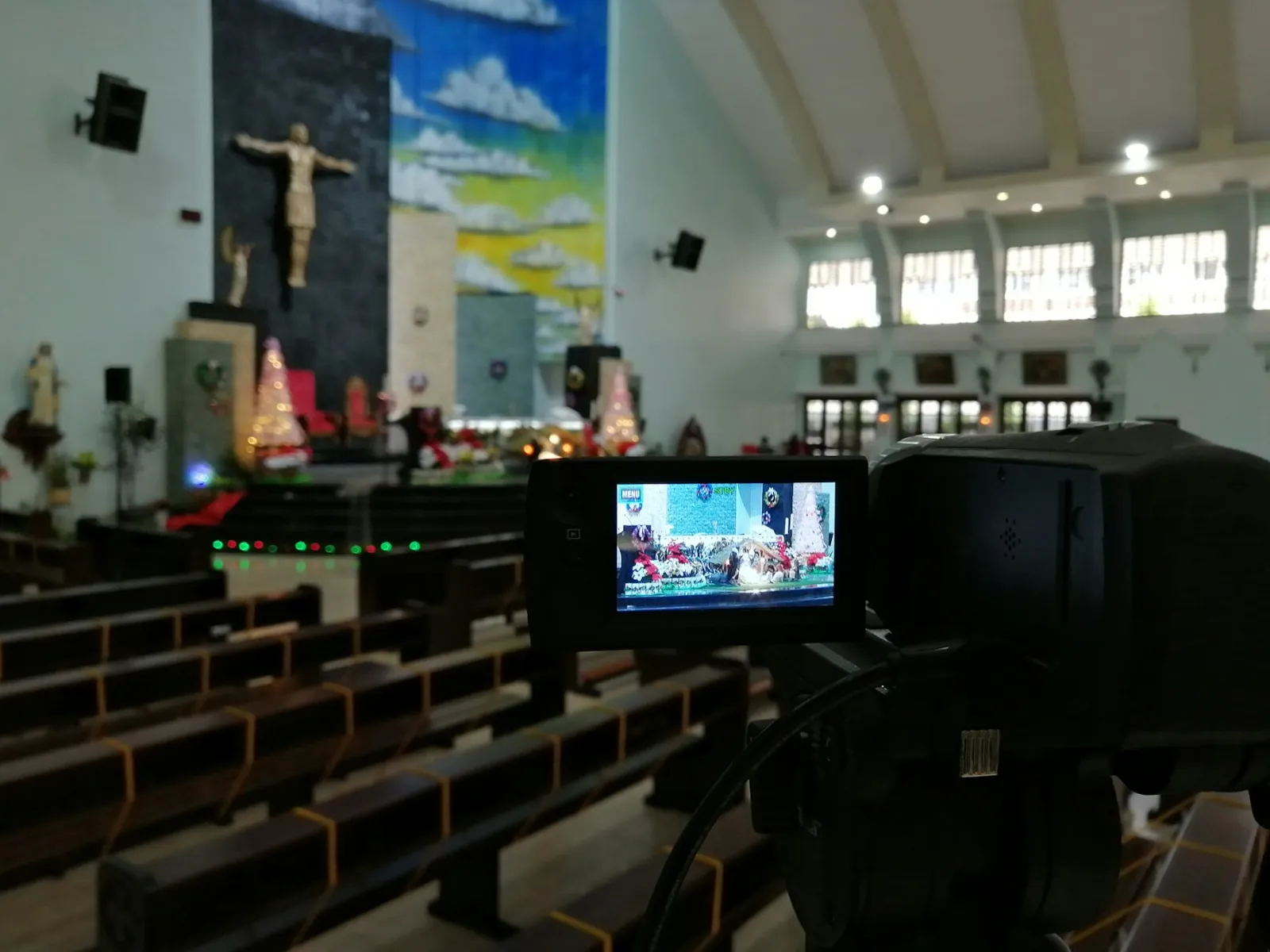
A practical, affordable church livestream setup for small and growing churches, from cameras and sound to going live on YouTube and Facebook.
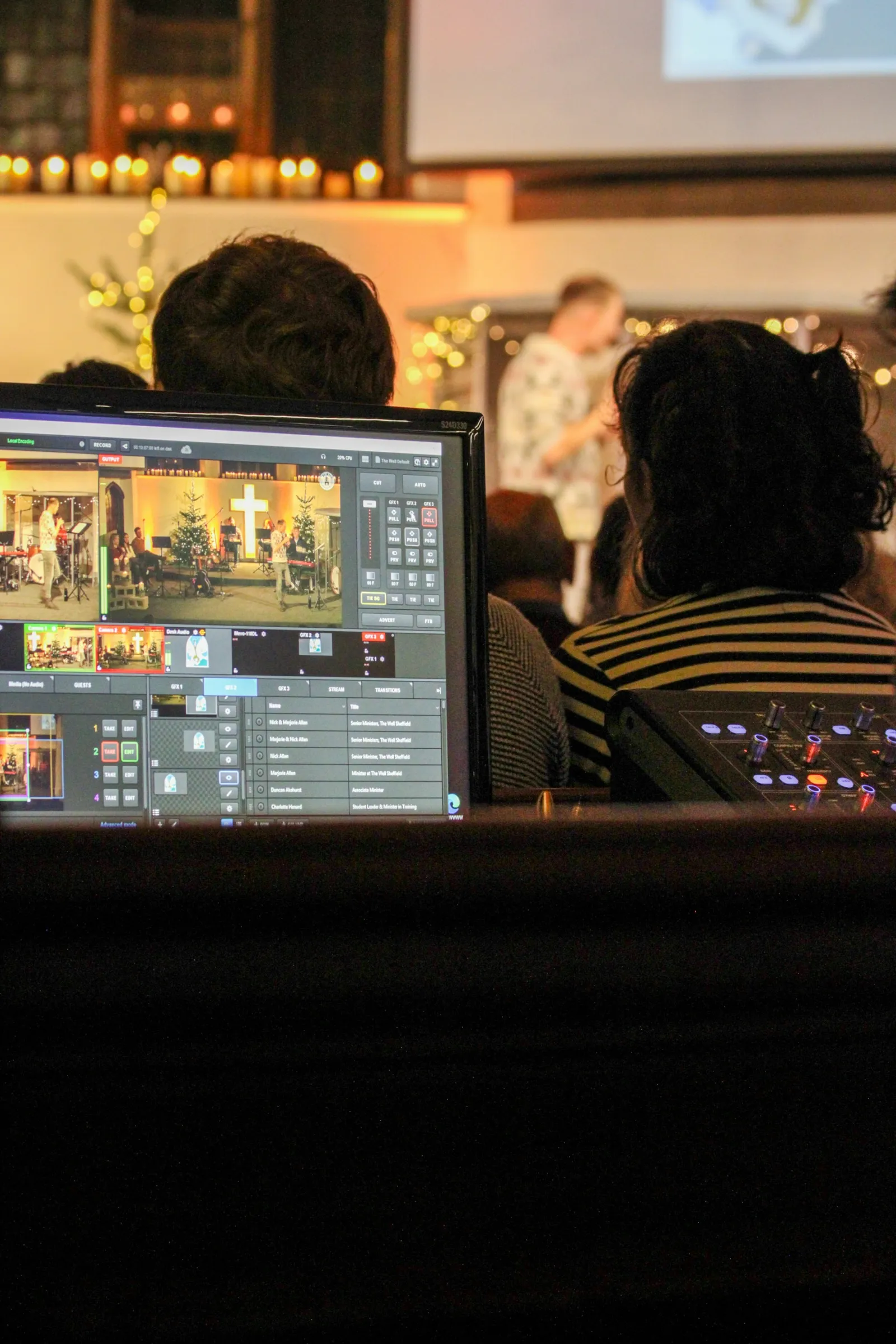
Presets, schedules and automation that let one volunteer run a polished church livestream calmly, even on their first Sunday.
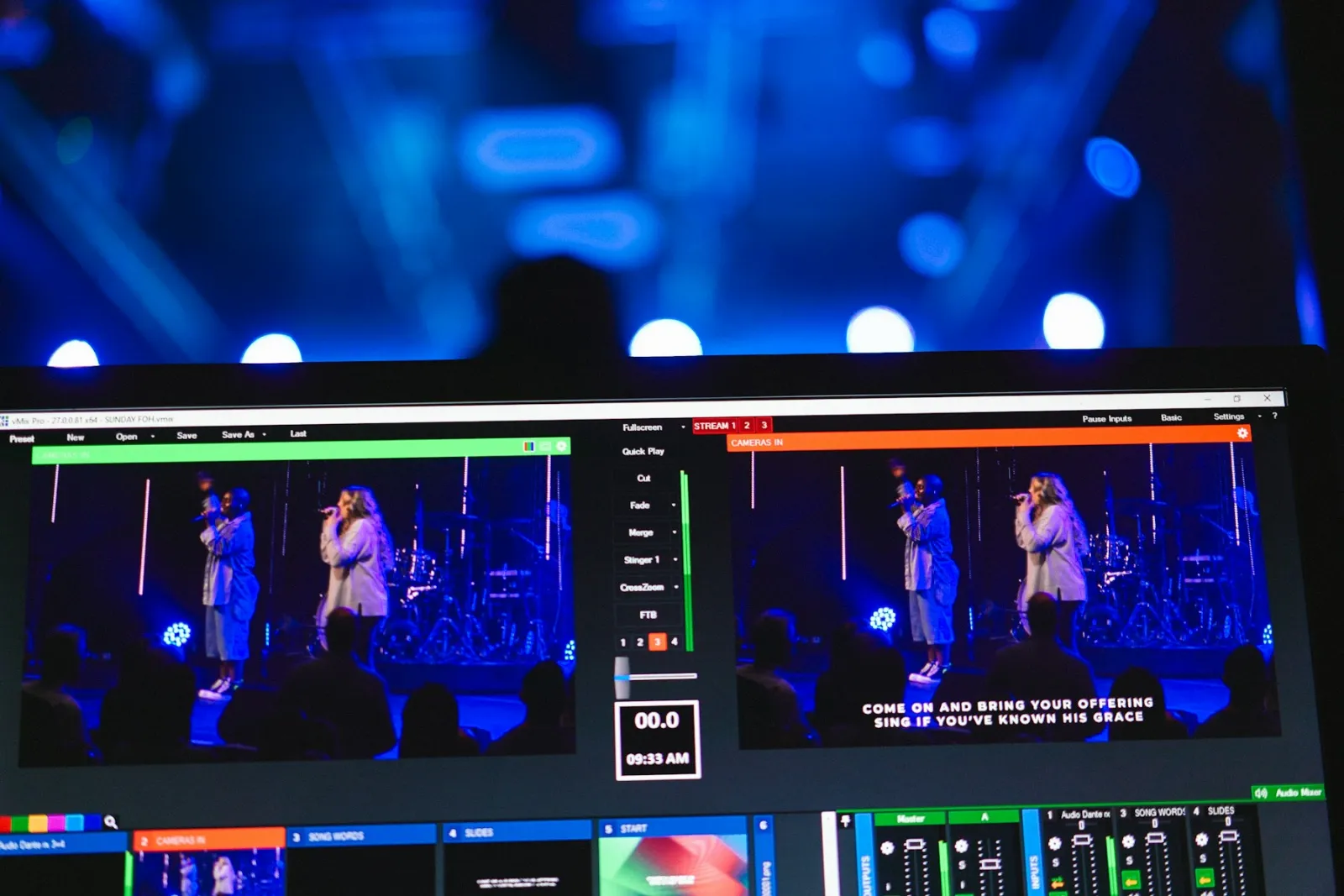
How to use lower thirds, banners, tickers and countdowns to make online worshippers feel welcome and engaged.
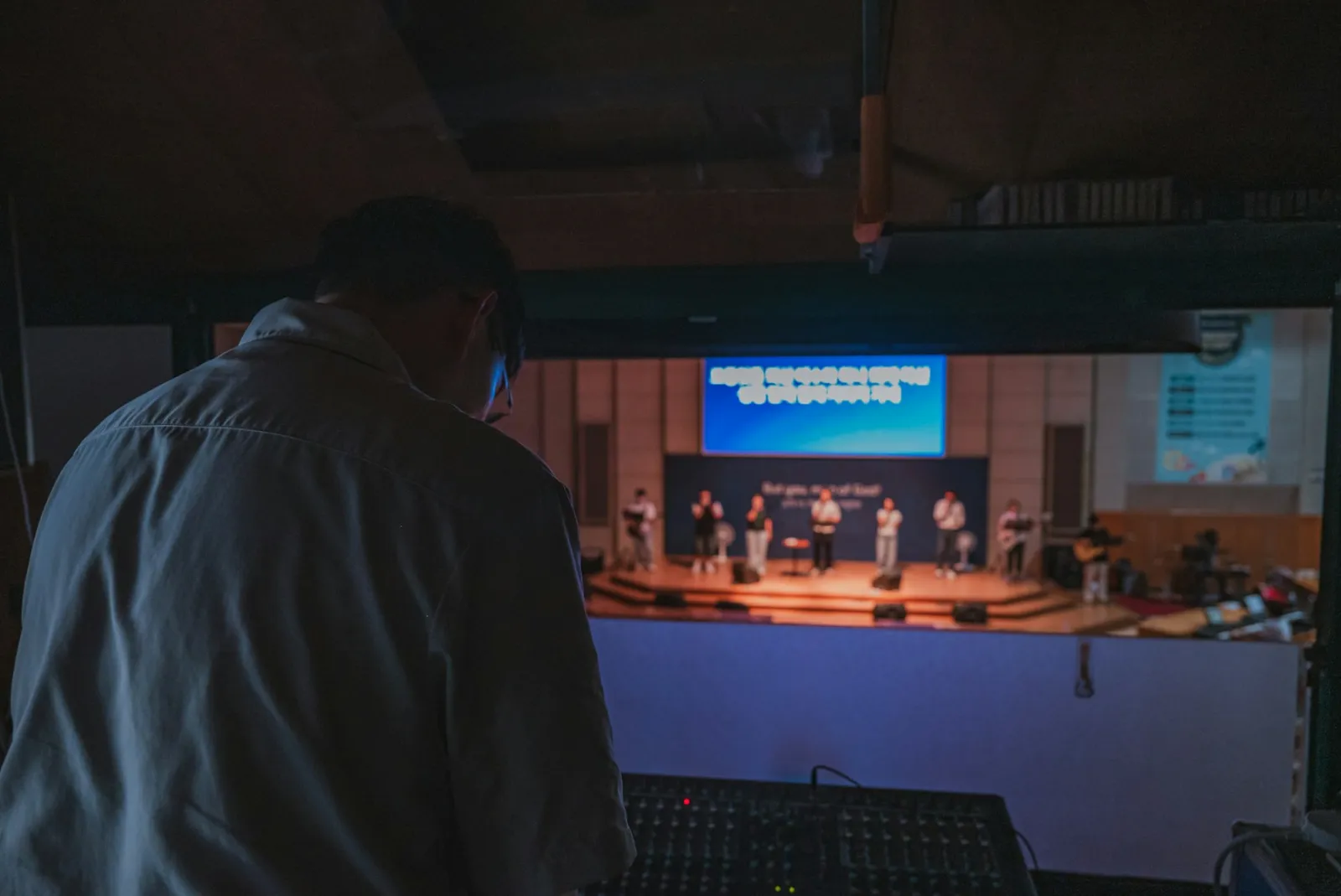
Why church livestreams often sound bad, and the simple mixer settings that make sermons and worship sound clear at home.
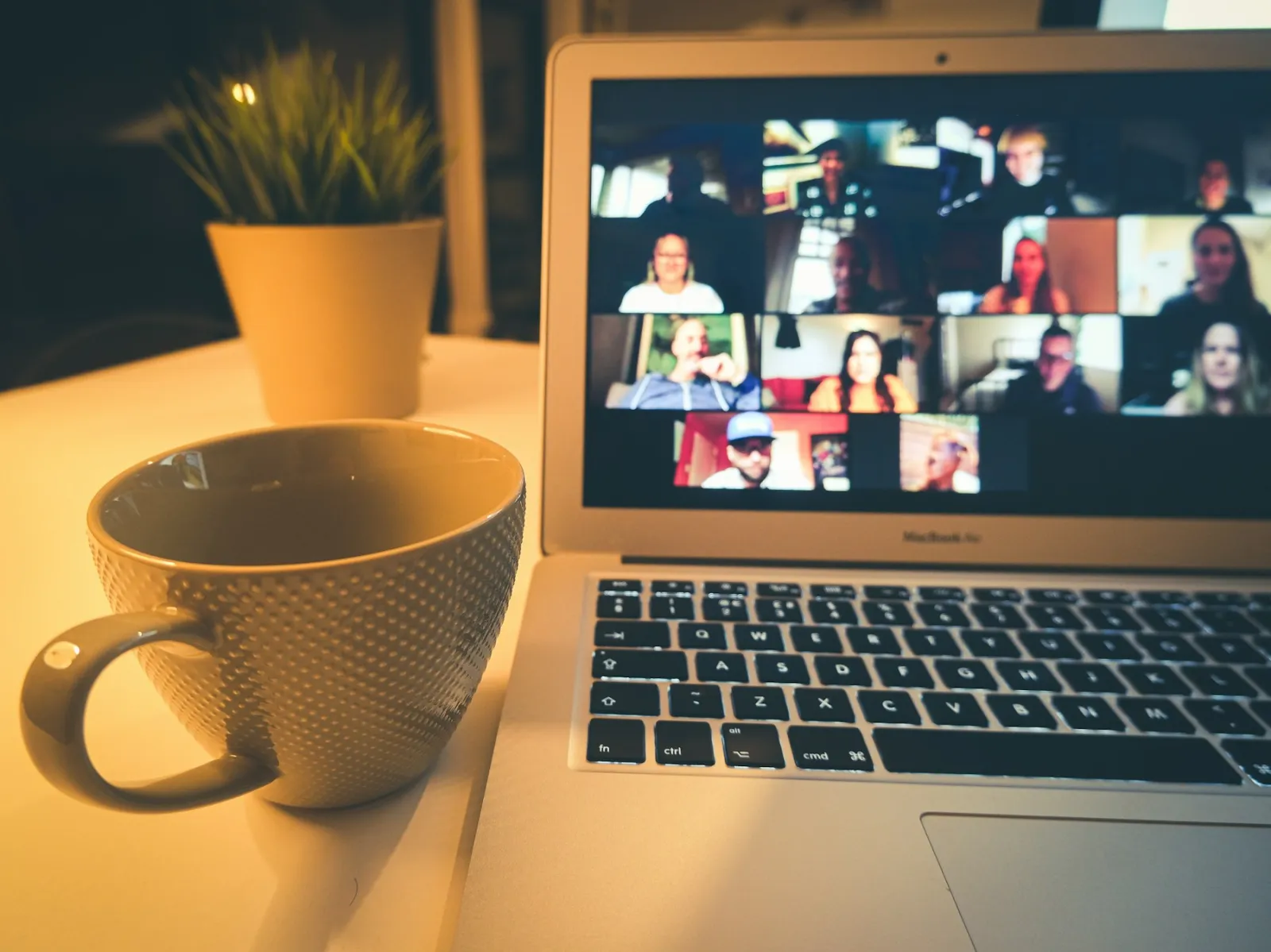
Connect your livestream with Zoom: send the service into small-group meetings and bring remote speakers and missionaries on air.
Every feature, no credit card. Apple Silicon and Intel Macs.

