

Church livestream graphics: scripture, giving and announcements
How to use lower thirds, banners, tickers and countdowns to make online worshippers feel welcome and engaged.
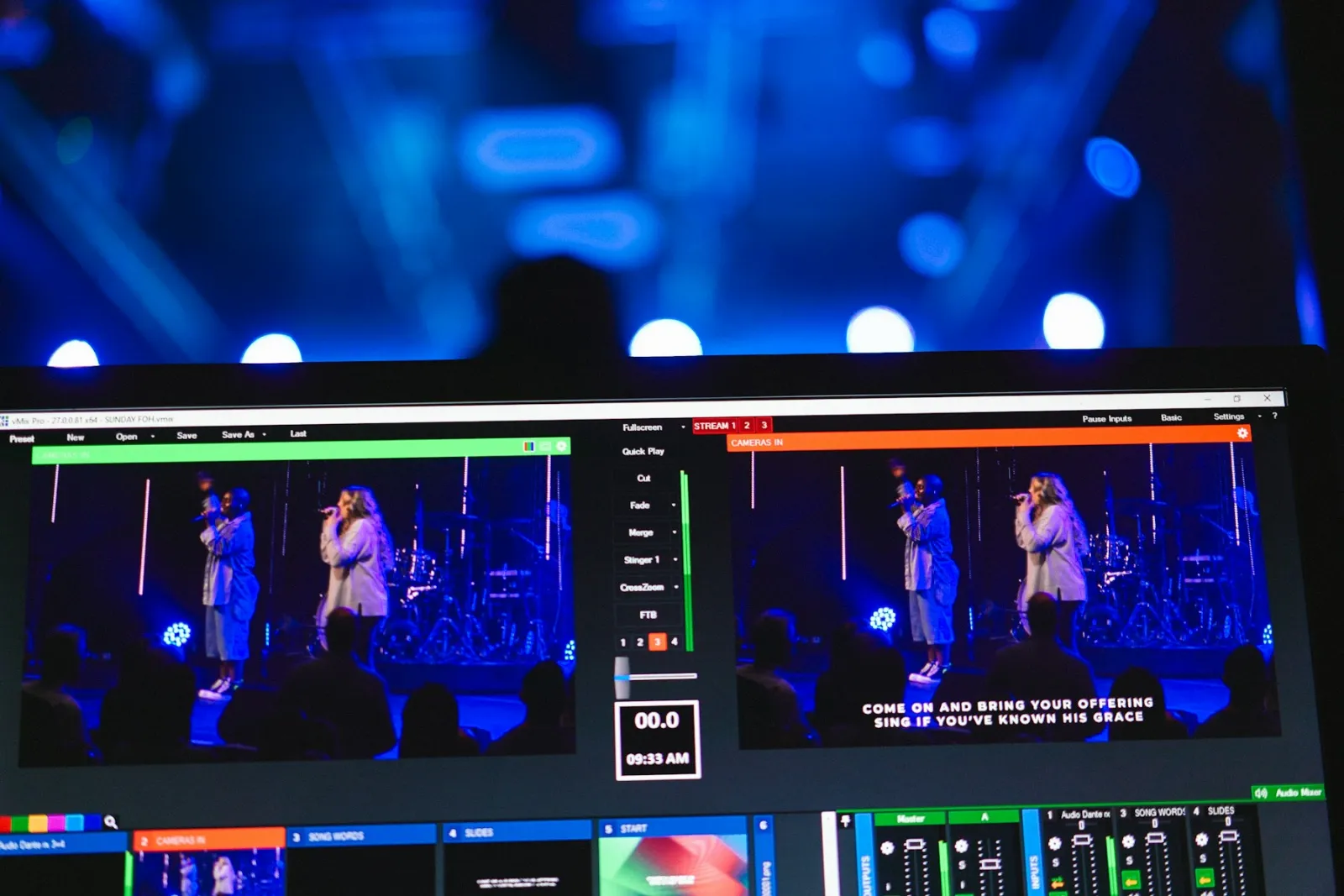
In the building, people can see the bulletin, the screens and the welcome team. Online, all they have is your stream. Simple graphics do the work of the welcome team: they tell people who is speaking, what passage to open, and how to respond.
Before the service: the countdown
Start streaming 10 to 15 minutes early with a countdown over a welcome image or quiet worship music. It gives early arrivals something to watch, lets people share the link, and signals that the service will start on time. StreamPort includes seven designed countdowns, and one can take your opening scene automatically at zero.
Speaker names
Show a lower third each time someone new speaks: “Pastor Emma Johnson, Lead Pastor”, “Deacon Michael Obi, Announcements”. Visitors learn names, and members watching from home feel connected to the people on stage. Save your regular speakers so the volunteer only picks a name.
Scripture
When the pastor reads, put the reference and the verse on screen as a lower third: “John 3:16”. For longer passages, show the reference only and leave room for the speaker. Online viewers can follow along in their own Bible or app.
Giving
A banner along the bottom with your giving link, shown during the offering and again at the end, is the single most effective graphic for online giving. Keep the link short and readable, like grace.church/give, and say it out loud while it is on screen.
Announcements
An announcements ticker scrolls across the bottom like a news channel: “Youth night Friday 7pm · Baptism class next Sunday · Join our prayer meeting on Zoom Wednesday 8pm”. Run it before the service and after it, not during the sermon. You can set its speed, size, colors and position, and changes show on the stream instantly.
Your logo
Put your church logo in a corner for the whole service. When clips are shared on social media, people know where they came from.
Keep it calm
- One graphic at a time on top of the speaker, two at most.
- Use the same font and colors as your church’s printed materials.
- Take graphics off during prayer and altar calls.
- Check everything on a phone during your Saturday test.
Graphics are cued first and only appear when you press Take, so the volunteer can check every name and verse before the congregation sees it. See the graphics overview for more.
Try StreamPort free for 14 days
Every feature, no credit card. Apple Silicon and Intel Macs.
Keep reading
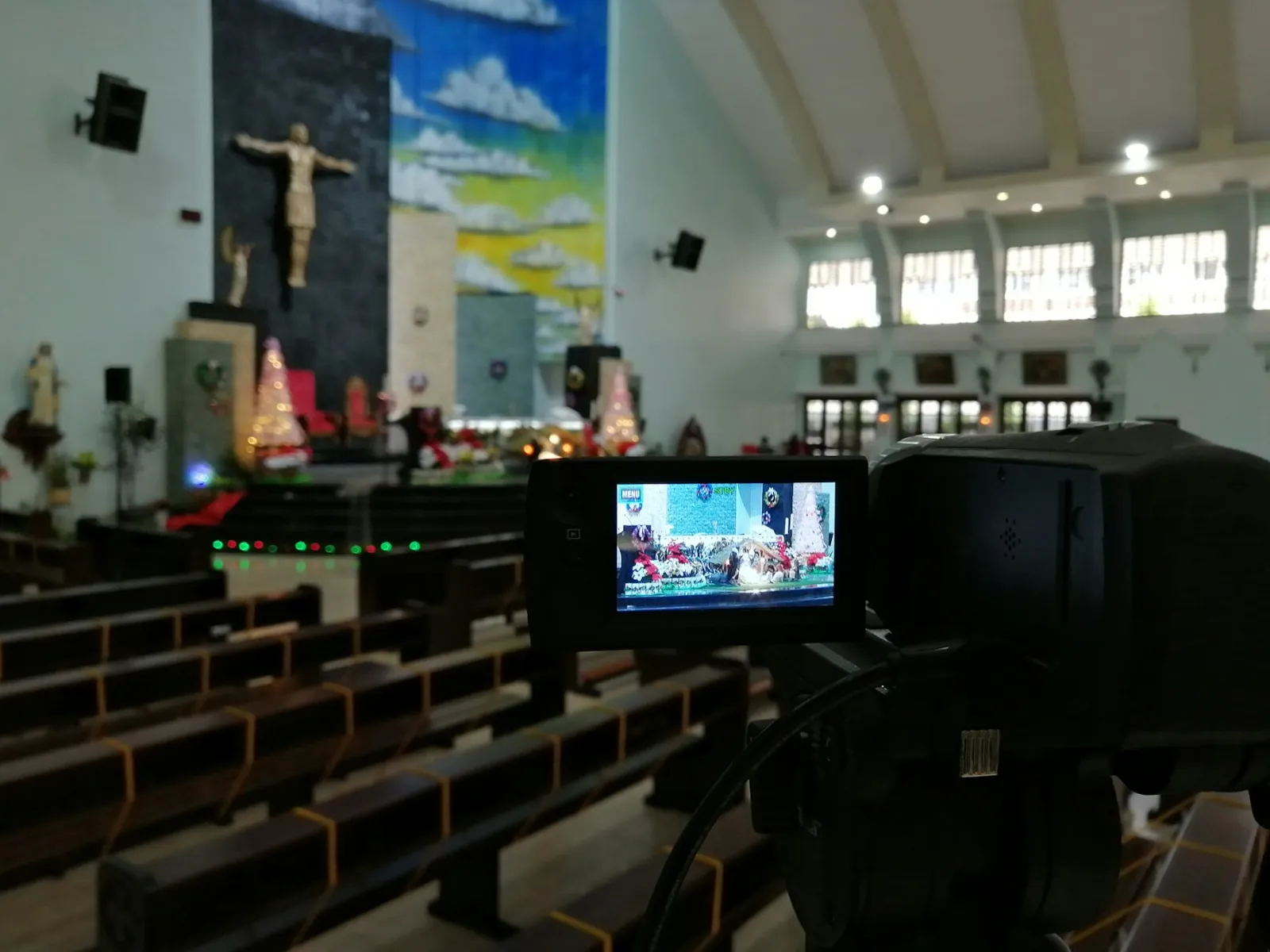
The simple church livestream setup: everything you need on one Mac
A practical, affordable church livestream setup for small and growing churches, from cameras and sound to going live on YouTube and Facebook.
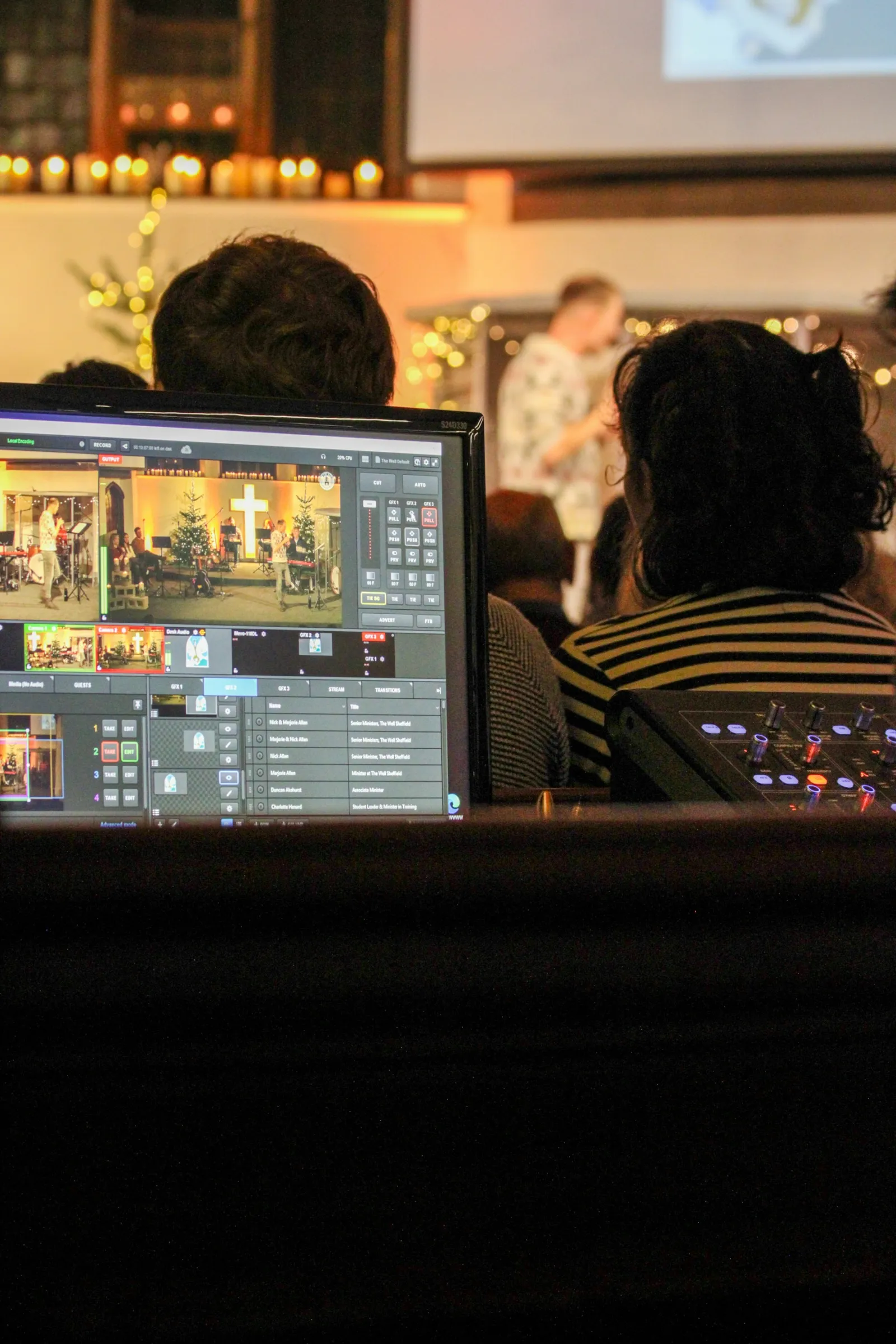
How to run a church livestream with just one volunteer
Presets, schedules and automation that let one volunteer run a polished church livestream calmly, even on their first Sunday.
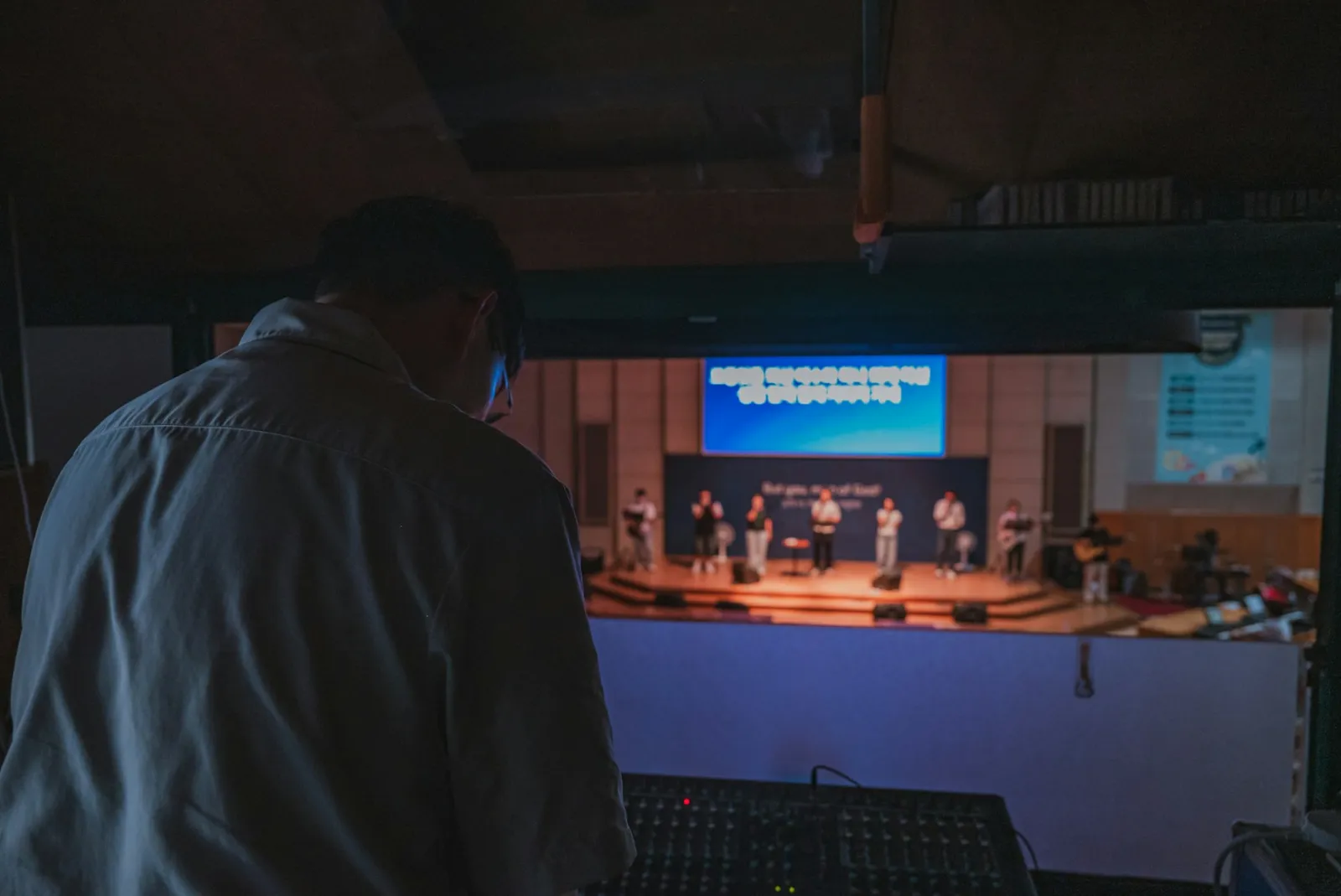
Church livestream audio: how to make your sermon sound clear online
Why church livestreams often sound bad, and the simple mixer settings that make sermons and worship sound clear at home.