

How to add lower thirds to a livestream (that look like TV)
Show names, titles, links and announcements on your livestream with clean lower thirds, banners and tickers.
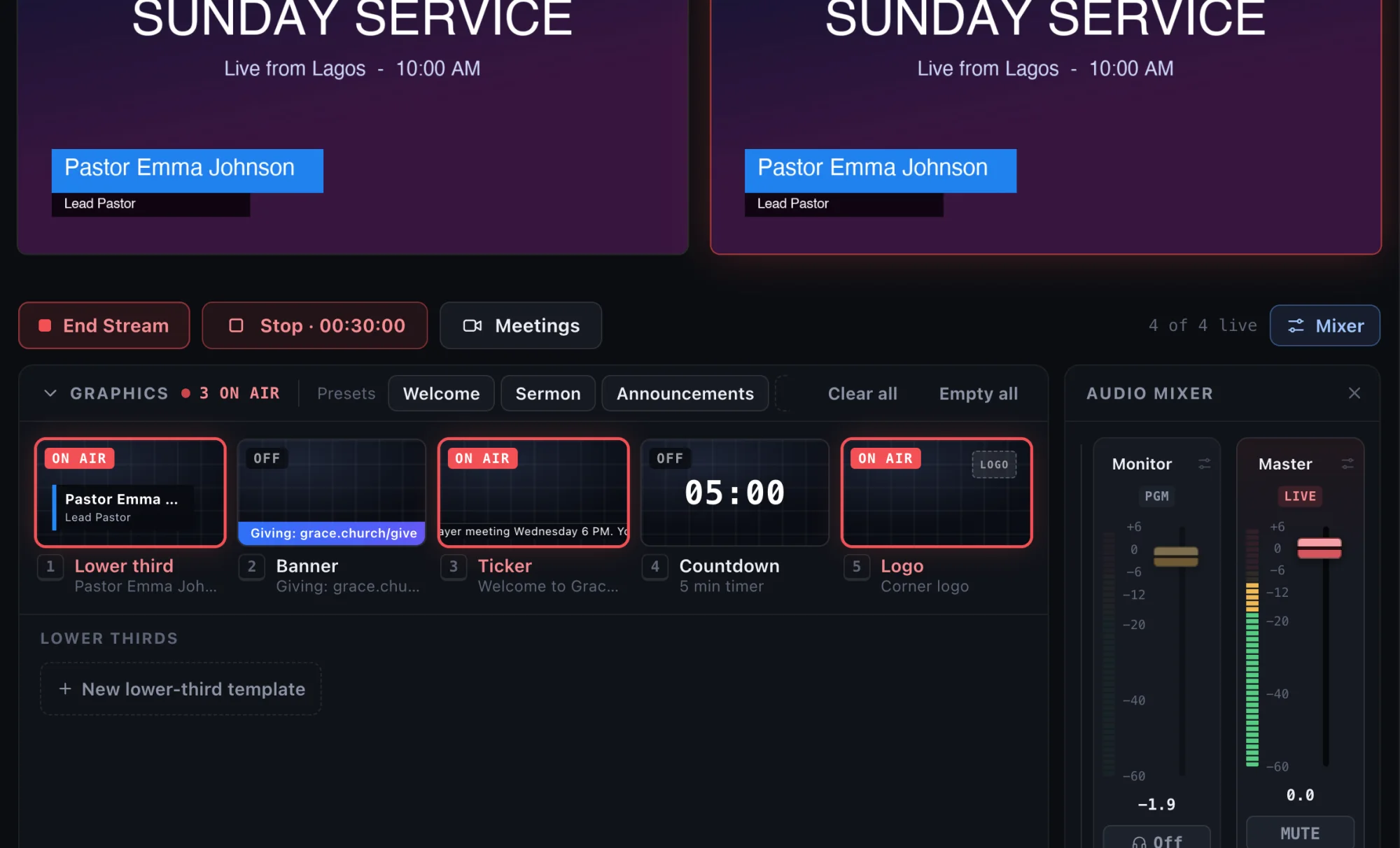
A lower third is the name and title strip near the bottom of the screen. It tells viewers who is talking without anyone saying it. It is the quickest way to make a livestream look professional, and with the right tool it takes seconds.
The graphics you will use most
- Lower third: a name and a title, for example “Pastor Emma Johnson, Lead Pastor”.
- Banner: a single line along the bottom, like a website or giving link.
- Ticker: a scrolling bar of announcements, like a news channel.
- Countdown: a “Starting in 05:00” timer before you begin.
- Logo: your mark in a corner for the whole show.
Step 1: Type it in
In StreamPort, the Graphics panel has a box for each graphic. Type a name and a title in the lower third, a link in the banner, and your message in the ticker. Nothing goes on air while you type.
Step 2: Style it once
Press Aa on any graphic to open the text editor. Pick any font installed on your Mac, then set bold, italic, color, outline, shadow and a background box. Set how it animates in and out: slide from a side, fade, and how fast. Save your look as a template so every show matches.
Step 3: Cue, then Take
This is the part that separates calm shows from embarrassing ones. In StreamPort, clicking a graphic cues it first, so you can check spelling and position. It only appears on air when you press Take. A stray click can never put the wrong name on screen.
When the speaker changes, cue the next name and Take it. To clear everything at once, press Space.
Step 4: Save presets for each part of the show
Most shows have the same moments every time: welcome, main talk, announcements, close. Save the graphics for each moment as a preset, then call it up with one click. A volunteer can run the graphics without typing anything during the show.
Timing graphics automatically
With the program schedule (Solo and Studio plans), graphics can fire on their own at set times: the countdown starts 10 minutes before the service, the welcome lower third appears at the start, and the giving banner comes up during the offering. You can still take over by hand at any moment.
Lower third tips
- Keep it to two lines: name, then role. Long titles are hard to read on a phone.
- Show it for 6 to 10 seconds, then take it off. Bring it back if the person talks for a long time.
- Check it on a phone. Most of your viewers are watching on a small screen.
- Keep it out of the bottom edge on vertical streams, where platform buttons sit.
Read more in the graphics overview and the text styles guide.
Try StreamPort free for 14 days
Every feature, no credit card. Apple Silicon and Intel Macs.
Keep reading
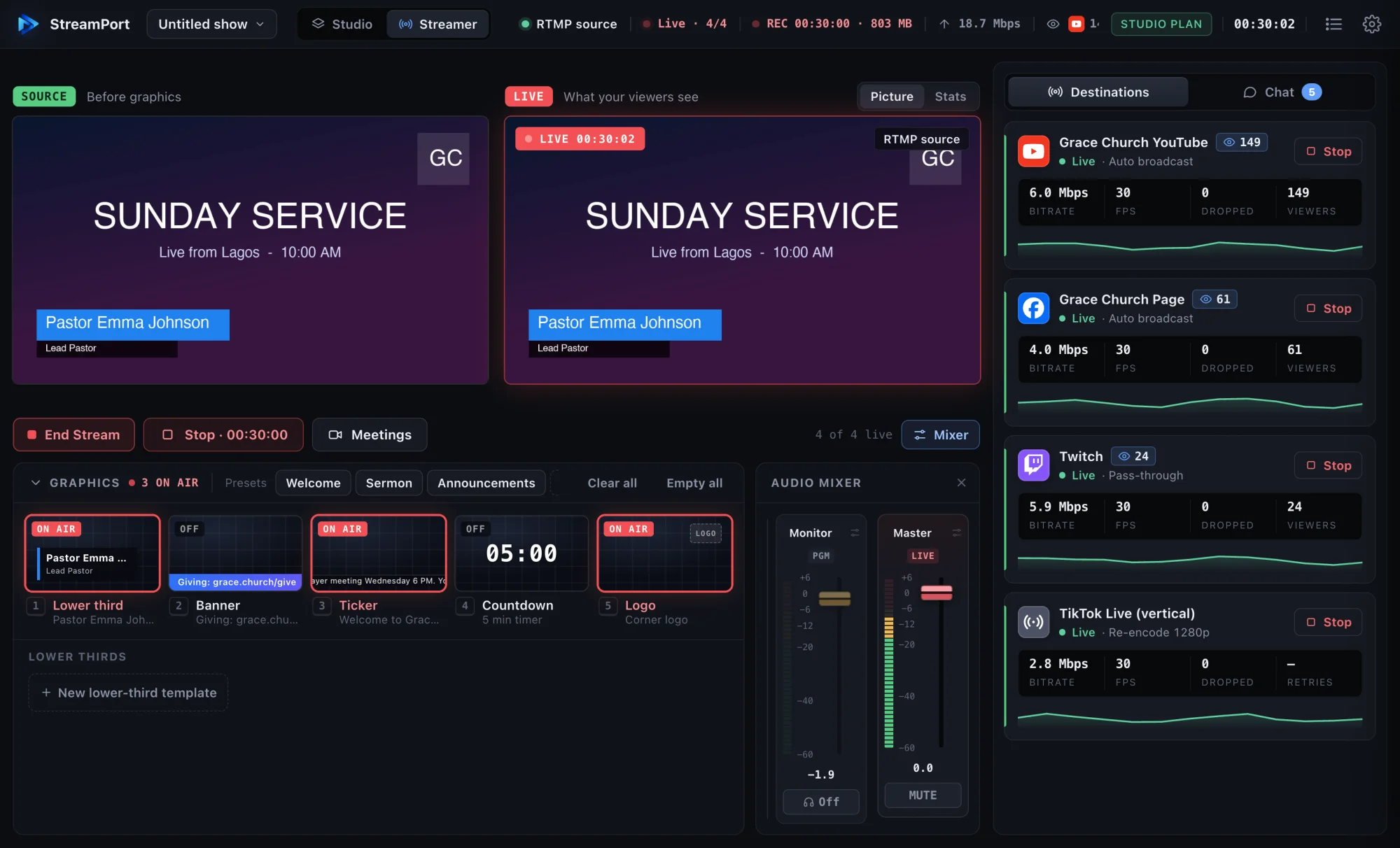
How to stream to YouTube and Facebook at the same time on a Mac
Go live on YouTube, Facebook and other platforms at once from one Mac, without a paid relay service or a second computer.
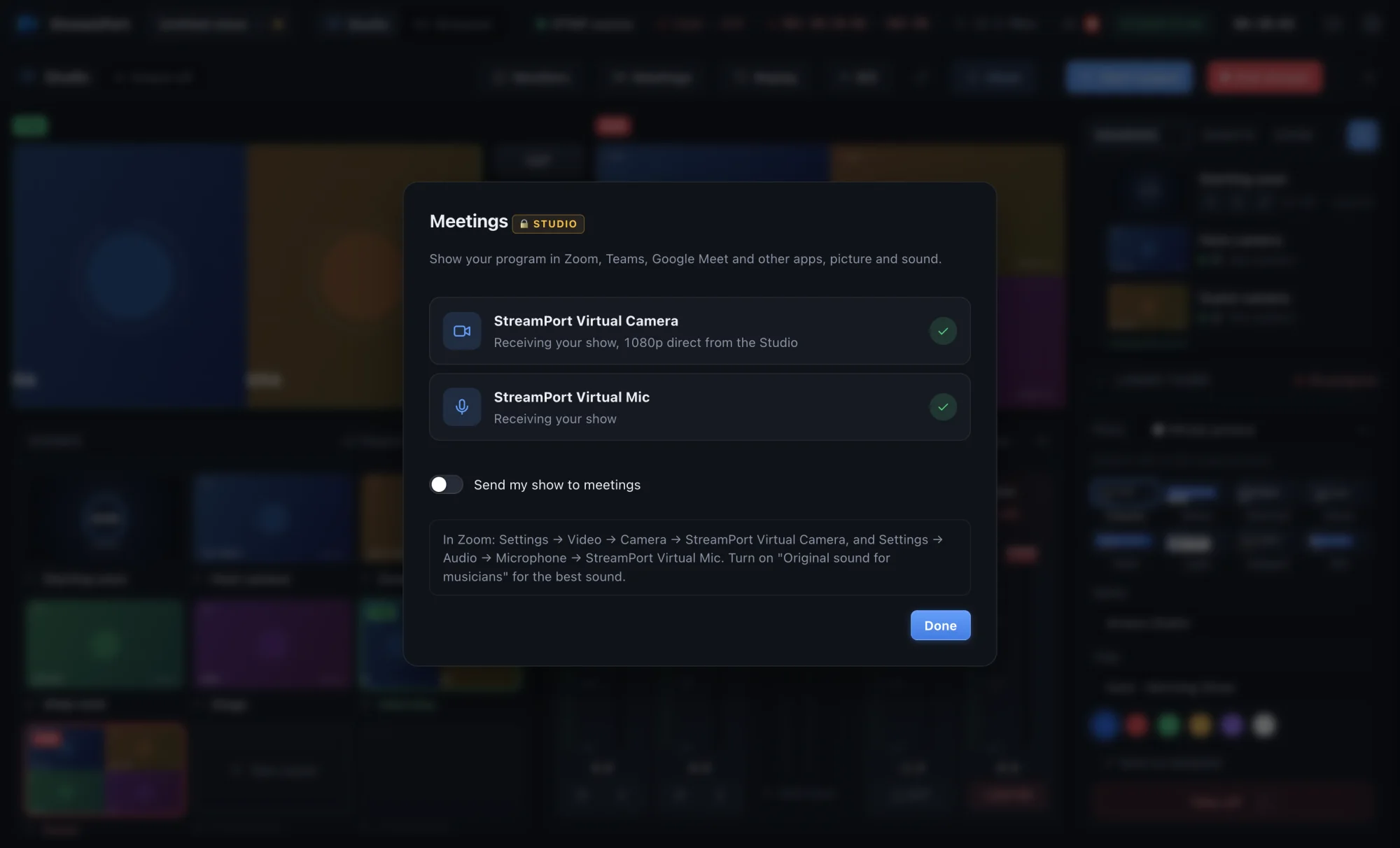
How to use your live show as a camera in Zoom, Teams and Google Meet
Send your finished show, with graphics, scenes and clean sound, into any meeting app as a camera and microphone.
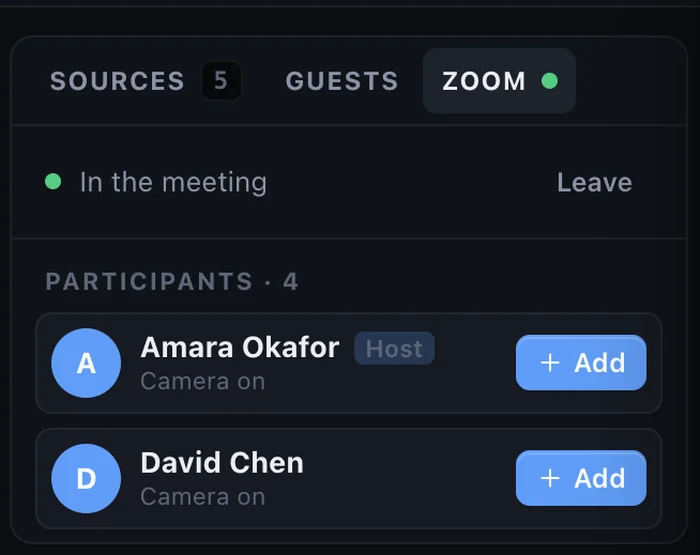
How to bring remote guests onto your livestream with just a link
Interview guests anywhere in the world on your live show. They join from a browser on a computer or phone, with nothing to install.