

How to use your live show as a camera in Zoom, Teams and Google Meet
Send your finished show, with graphics, scenes and clean sound, into any meeting app as a camera and microphone.
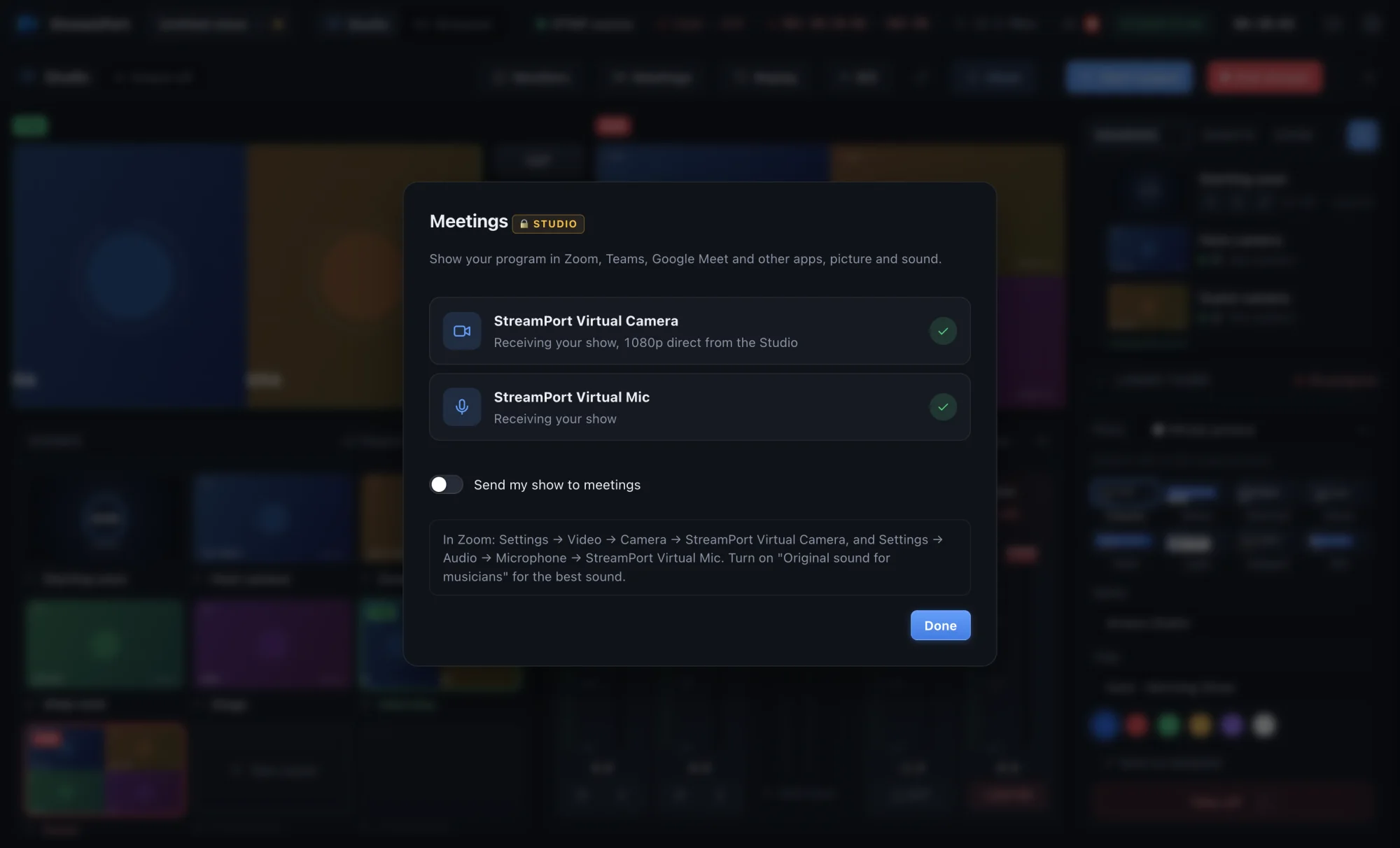
A plain webcam in a meeting is fine for a chat. For a webinar, a class, a sales demo or a church prayer meeting, you want more: a title card while people join, slides next to your face, a lower third with your name, and sound that is mixed properly. The way to get all of that into Zoom, Teams or Google Meet is a virtual camera and virtual microphone.
How it works
StreamPort adds two devices to your Mac: StreamPort Virtual Camera and StreamPort Virtual Mic. Meeting apps see them like any webcam and microphone. Whatever is on your Program output, the picture and the sound, goes into the meeting in 1080p.
That means everything you do in the Studio, switching scenes, showing graphics, playing a video, shows up in the meeting at the same moment.
Step 1: Turn it on
- In the Studio, press Meetings.
- Press Send my show to meetings.
The first time, macOS asks for permission:
- Camera: open System Settings → General → Login Items & Extensions → Camera Extensions and switch StreamPort on.
- Microphone: StreamPort asks for your Mac password once to install the virtual mic.
If StreamPort asks you to restart your Mac, do it. macOS sometimes needs a restart before meeting apps can see a new camera.
Step 2: Choose it in your meeting app
- Zoom: Settings → Video → Camera: StreamPort Virtual Camera. Settings → Audio → Microphone: StreamPort Virtual Mic.
- Microsoft Teams: Settings → Devices, then pick both devices.
- Google Meet: the three dots → Settings → Video and Audio.
Step 3: Run your meeting like a show
- Show a “Starting soon” countdown while people join.
- Use a side-by-side scene for you and your slides or screen.
- Put up a lower third with your name and title.
- Play a video with its sound going straight into the meeting, no screen-share needed.
- Bring in a remote guest from a browser link and put them in the scene.
Streaming and meeting at the same time
You can stream to YouTube or Facebook and send the same show into a meeting at once. This is perfect for hybrid events: the public watches the livestream while a smaller group joins on Zoom and can talk back.
You can also go the other way and bring Zoom participants into your show as their own sources. See hybrid church services with Zoom for how.
Troubleshooting
- The camera is missing in Zoom: quit and reopen Zoom after turning the virtual camera on. If it is still missing, restart your Mac.
- The meeting shows a StreamPort logo: that is the placeholder shown when the Studio is not sending. Open the Studio and turn on Send my show to meetings.
- People hear an echo: mute your real microphone in the meeting app. Your mic should reach the meeting through the StreamPort mix only.
The virtual camera and mic are part of the Studio plan, and every new install can try them free for 14 days.
Try StreamPort free for 14 days
Every feature, no credit card. Apple Silicon and Intel Macs.
Keep reading
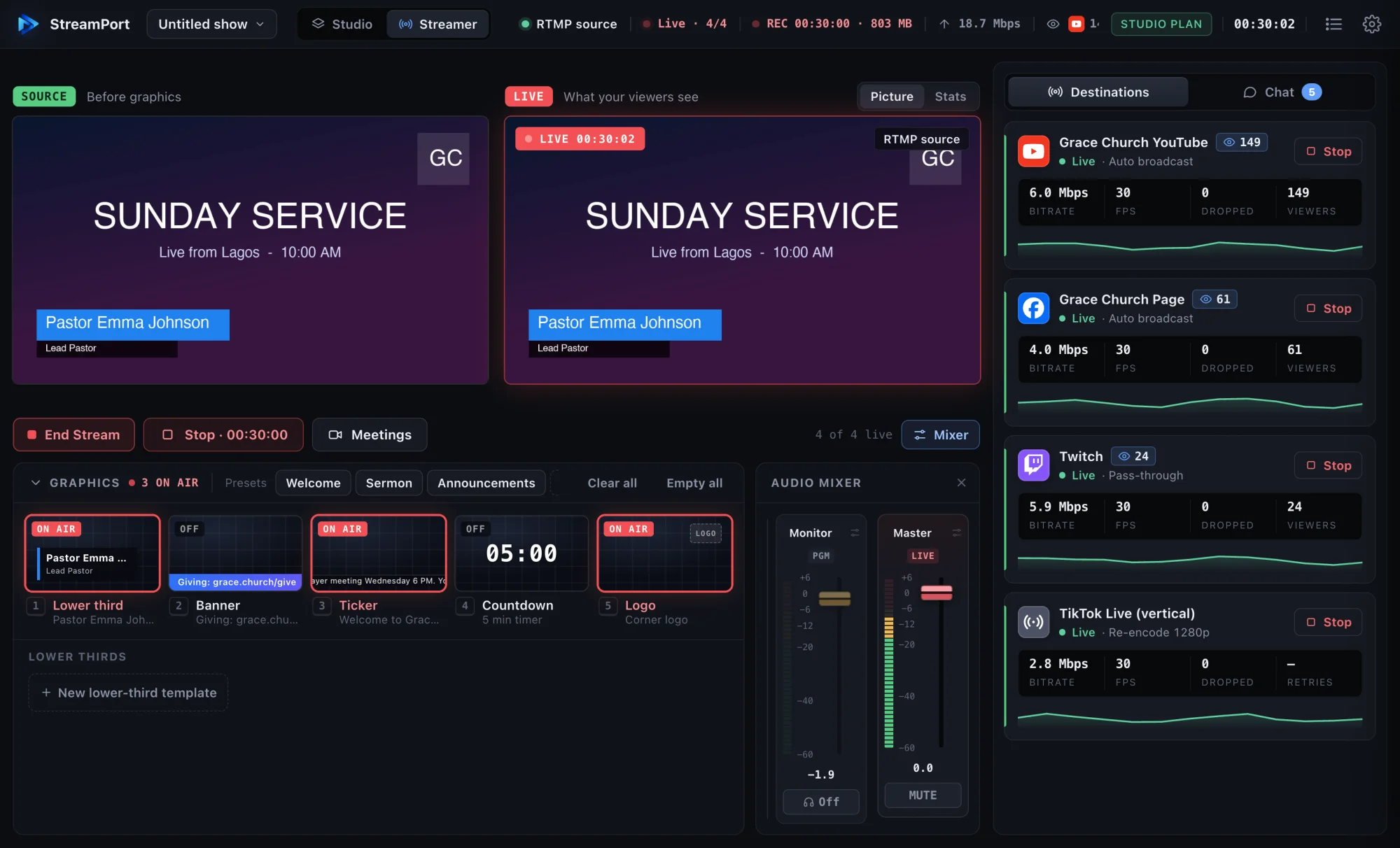
How to stream to YouTube and Facebook at the same time on a Mac
Go live on YouTube, Facebook and other platforms at once from one Mac, without a paid relay service or a second computer.
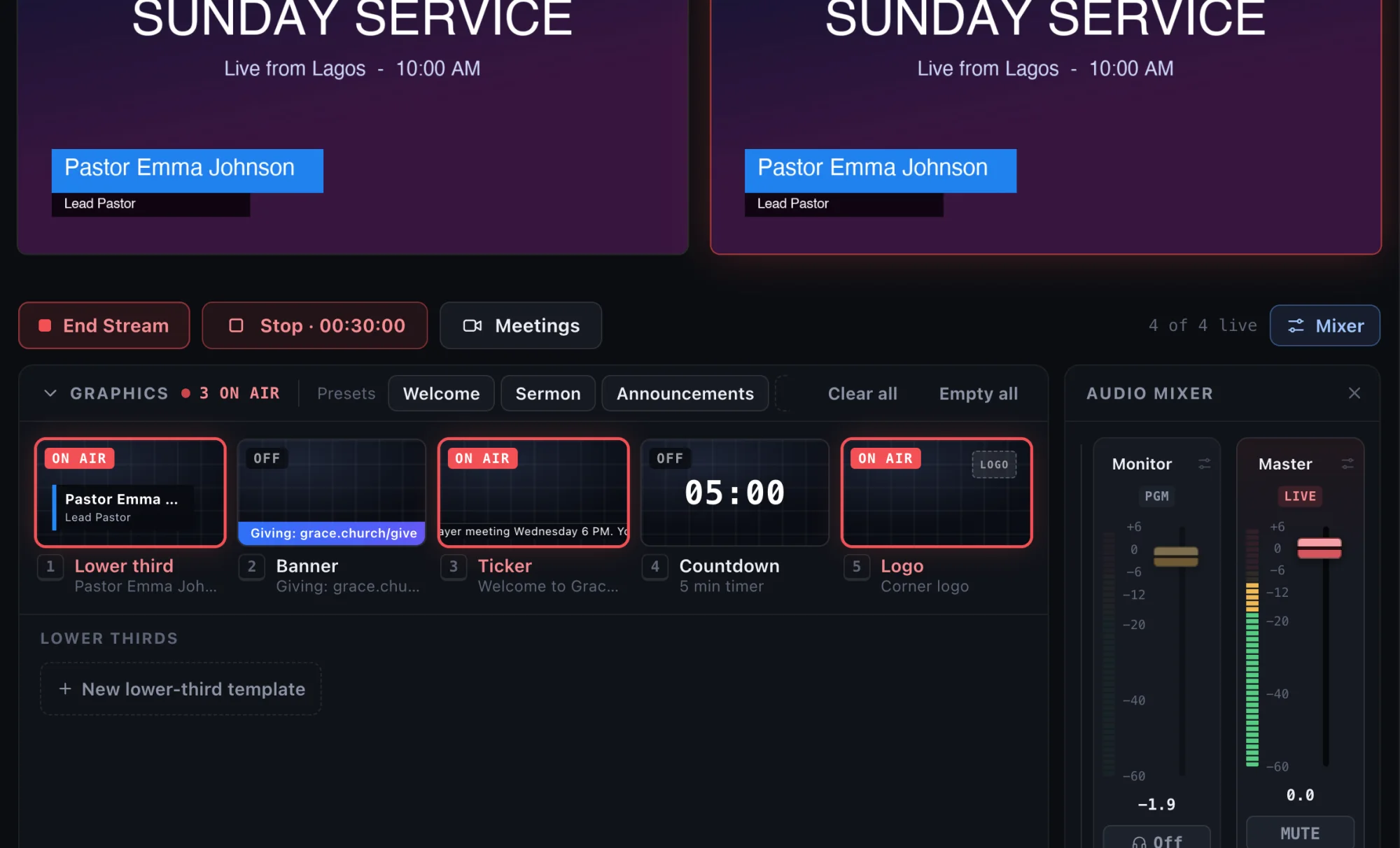
How to add lower thirds to a livestream (that look like TV)
Show names, titles, links and announcements on your livestream with clean lower thirds, banners and tickers.
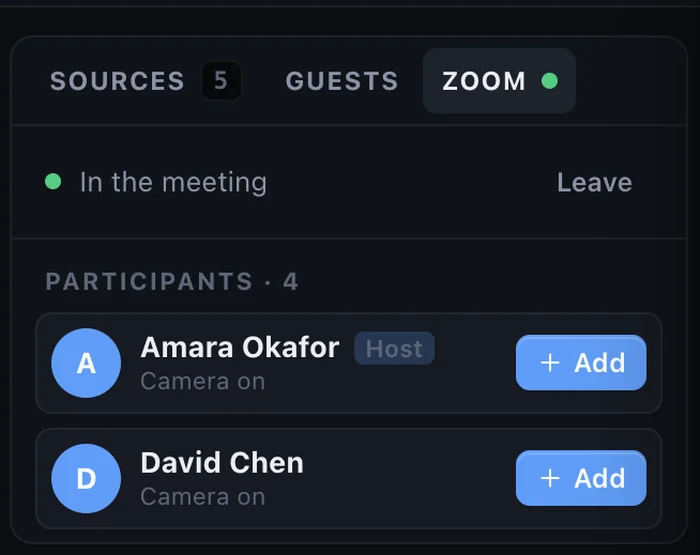
How to bring remote guests onto your livestream with just a link
Interview guests anywhere in the world on your live show. They join from a browser on a computer or phone, with nothing to install.