

StreamPort for iPad: what the free trial includes and what each plan adds
Try every feature free for 14 days with a small watermark, then pick Solo or Pro. Here is exactly what changes and which plan fits you.
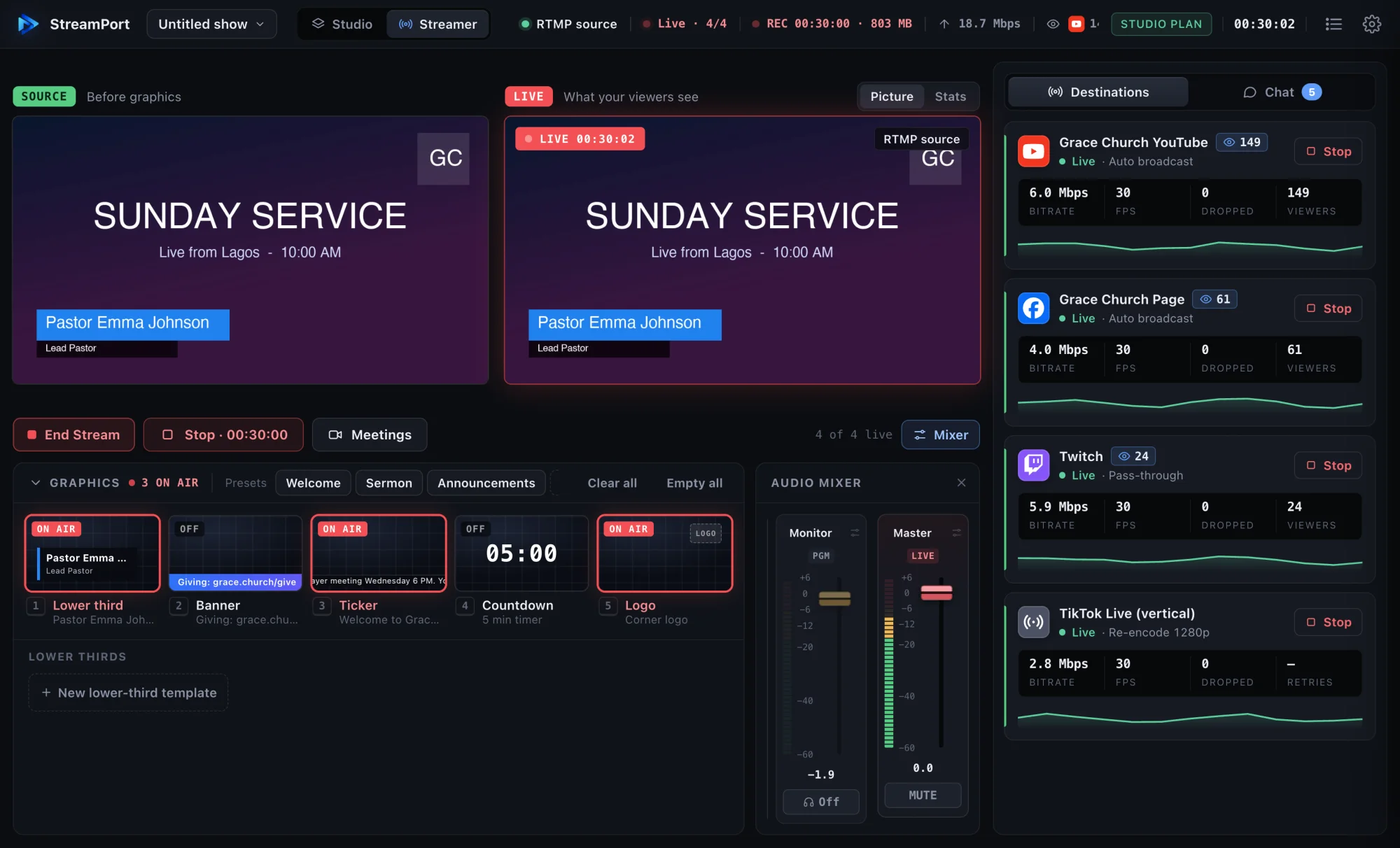
Before you pay for a streaming app, you want to know what you can do with it for free and what you are paying for. Here is how it works on StreamPort for iPad and iPhone.
The free trial
Every new device gets 14 days to try StreamPort with no payment needed. During the trial you can:
- Go live and record, with the same tools you would use on a paid plan.
- Add names, countdowns, a ticker and your logo.
- Use slides, music and the teleprompter.
- Bring in guests from a browser link.
The trial has one difference: a small StreamPort watermark is added to your stream and recordings. You don’t see it on your own screen. The app shows how many trial days are left.
After the trial
The app still opens, so you can set up your shows and look at your recordings. But you can’t go live or record until you choose a plan. That keeps things simple: there is no hidden free tier, just a trial.
Solo or Pro?
Solo is for solo streamers and small teams. It includes:
- Streaming to 2 destinations at once.
- Recording to the Files app.
- 2 guests from a browser link.
- Names, countdowns, ticker and logo.
- Slides, music and the teleprompter.
- No watermark.
Pro is for bigger productions. It includes everything in Solo, plus:
- StreamPort Cloud: you upload once and the cloud sends your stream to up to 4 destinations. This saves your iPad’s connection and battery.
- More guests: up to 4 on screen.
Which one should you pick?
- Streaming to YouTube and Facebook, with one or two guests: Solo.
- Streaming to three or four places, or running panels with several guests: Pro.
- Not sure: start the trial, run a real stream, and decide when the 14 days end.
Already use StreamPort on a Mac?
Sign in with your StreamPort account in the app. Your plan carries over, so the same account works on iPad, iPhone and Mac.
Subscriptions, billing and cancelling
Plans are App Store subscriptions, billed monthly or yearly. You manage or cancel them in your Apple ID settings, and you can restore a purchase on a new device from inside the app. Prices are shown in the app and on the App Store in your own currency.
Get the most from your 14 days
- Do a test stream the first day.
- Try a guest.
- Record a short video and check the sound.
- Run one real stream before the trial ends.
Start with how to live stream from an iPad, and see pricing for Mac and Windows.
Go live from your iPad with StreamPort
Also on iPhone and Mac. Try it free for 14 days.
Keep reading
How to live stream from an iPad (and what you need)
Everything you need to go live from an iPad: the gear, the setup, and how to stream to YouTube, Facebook and more with names, slides and sound.
How to add a remote guest to your livestream from an iPad
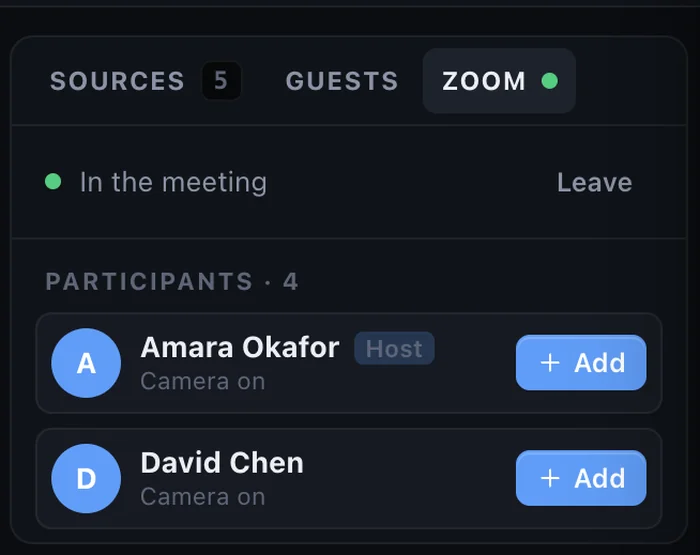
Invite a guest with a link: they join from a browser with no app or account, wait to be let in, and appear in your show on your iPad.
How to stream to YouTube and Facebook at the same time on a Mac
Go live on YouTube, Facebook and other platforms at once from one Mac, without a paid relay service or a second computer.