

How to add a remote guest to your livestream from an iPad
Invite a guest with a link: they join from a browser with no app or account, wait to be let in, and appear in your show on your iPad.
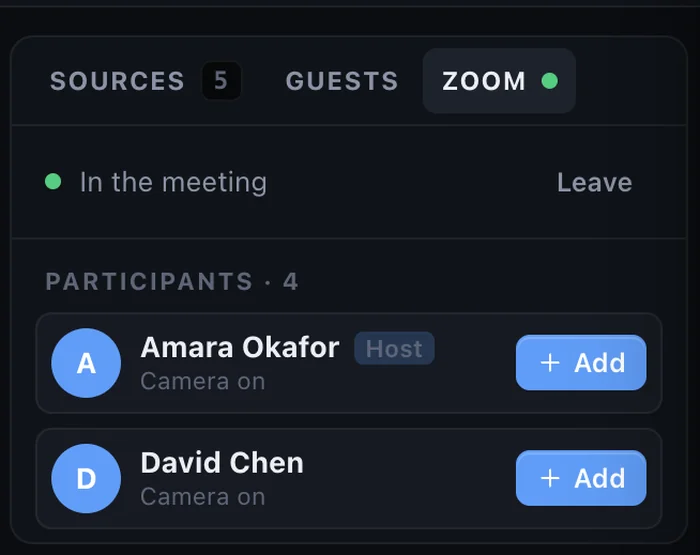
A guest makes a livestream more interesting: an interview, a testimony, a question from a member far away. You don’t need a laptop or a meeting app to host one. From your iPad you send a link, and your guest joins from a browser.
What your guest needs
- A phone, tablet or computer with a modern browser.
- A camera and microphone, which almost every device has.
- Headphones, if they have them. Not required, but they stop echo.
No app, no account, no download.
Step 1: Open the guest room
On the dock, open People, then Guests, and tap Open guest room. StreamPort gives you an invite link with a QR code. You can add a PIN if you want an extra lock.
Step 2: Send the link
Tap Copy or Share and send the link by text, email or WhatsApp. If the guest is in the same room, they can scan the QR code with their phone camera.
Step 3: Let them in
When the guest opens the link they see themselves and check their camera and microphone. They then wait in a waiting room. You see their name and choose Let in or Deny, so nobody can walk into your show uninvited.
Step 4: Run the show
When a guest is let in, they appear beside you with a name tag. Your layouts rearrange to fit: you and the guest side by side, you large with guests in a column, and more. In the Guests panel you can mute a guest in the show, change their volume and watch their voice meter. Each guest also gets their own channel in the mixer.
Guests hear you, the music and the other guests, but never themselves, so there is no echo. They can share their screen, and you can chat with them in the panel. If their connection drops, they rejoin through the same link.
Getting good quality from guests
- Light in front, not behind. Ask them to face a window or lamp.
- Camera at eye level. A phone propped on a stack of books beats one held in the hand.
- Strong signal. Weak Wi-Fi is the most common reason a guest freezes. Ask them to sit near the router.
- Headphones. They give cleaner sound for your viewers.
Common questions
Does the guest need an account? No. They only need the link.
Can I record guests too? Yes. Guests’ voices are part of the program, so they are in the stream and in the recording.
How many guests can I have? It depends on your plan. See the pricing page.
Read more about guests on a Mac in how to bring remote guests onto your livestream with just a link, or start with how to live stream from an iPad.
Go live from your iPad with StreamPort
Also on iPhone and Mac. Try it free for 14 days.
Keep reading
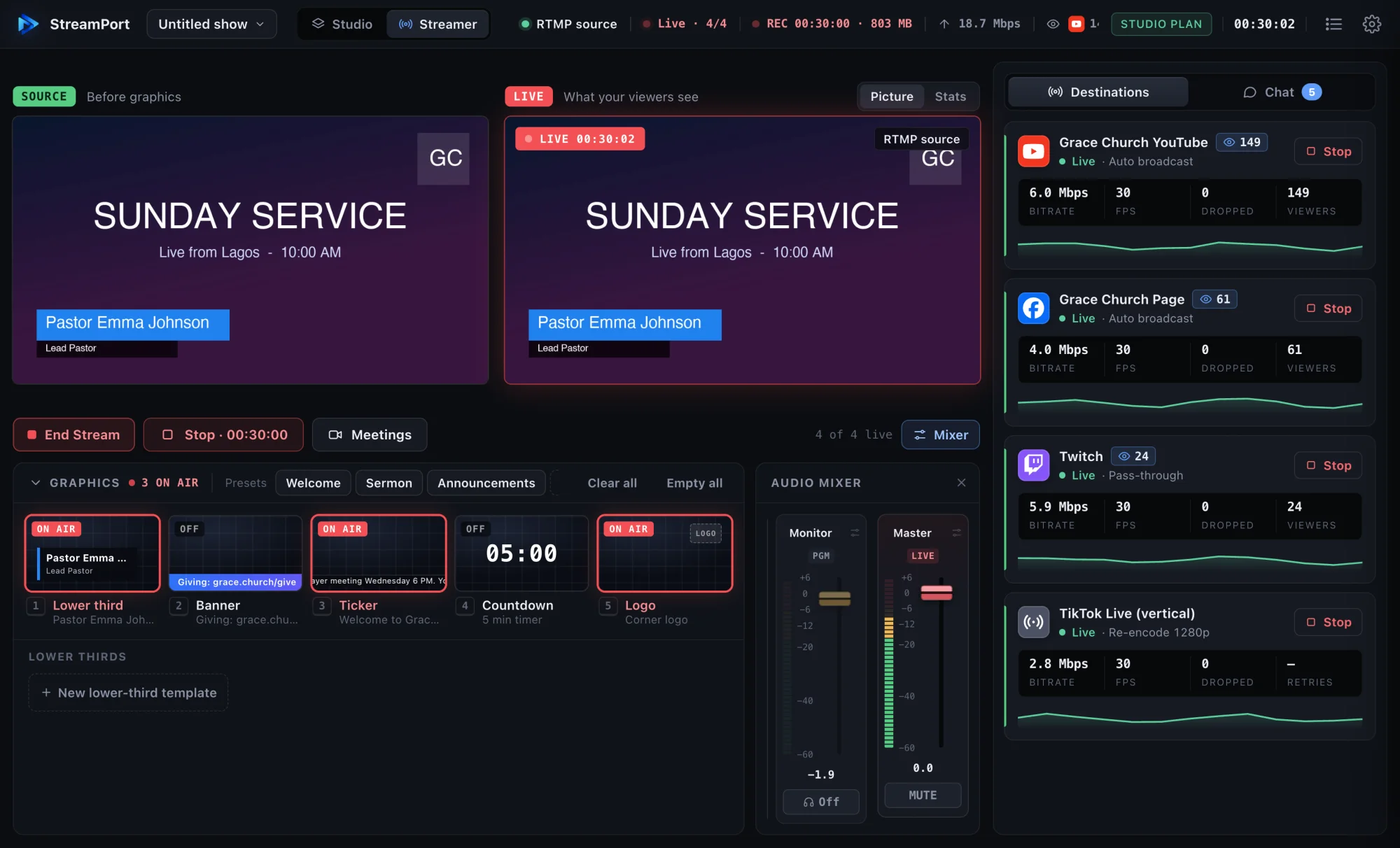
How to live stream from an iPad (and what you need)
Everything you need to go live from an iPad: the gear, the setup, and how to stream to YouTube, Facebook and more with names, slides and sound.
StreamPort for iPad: what the free trial includes and what each plan adds
Try every feature free for 14 days with a small watermark, then pick Solo or Pro. Here is exactly what changes and which plan fits you.
How to stream to YouTube and Facebook at the same time on a Mac
Go live on YouTube, Facebook and other platforms at once from one Mac, without a paid relay service or a second computer.