

How to put a Bible verse on your livestream
Show scripture on screen while the pastor reads: type a reference, pick a translation, and step through the passages from your iPhone or iPad.
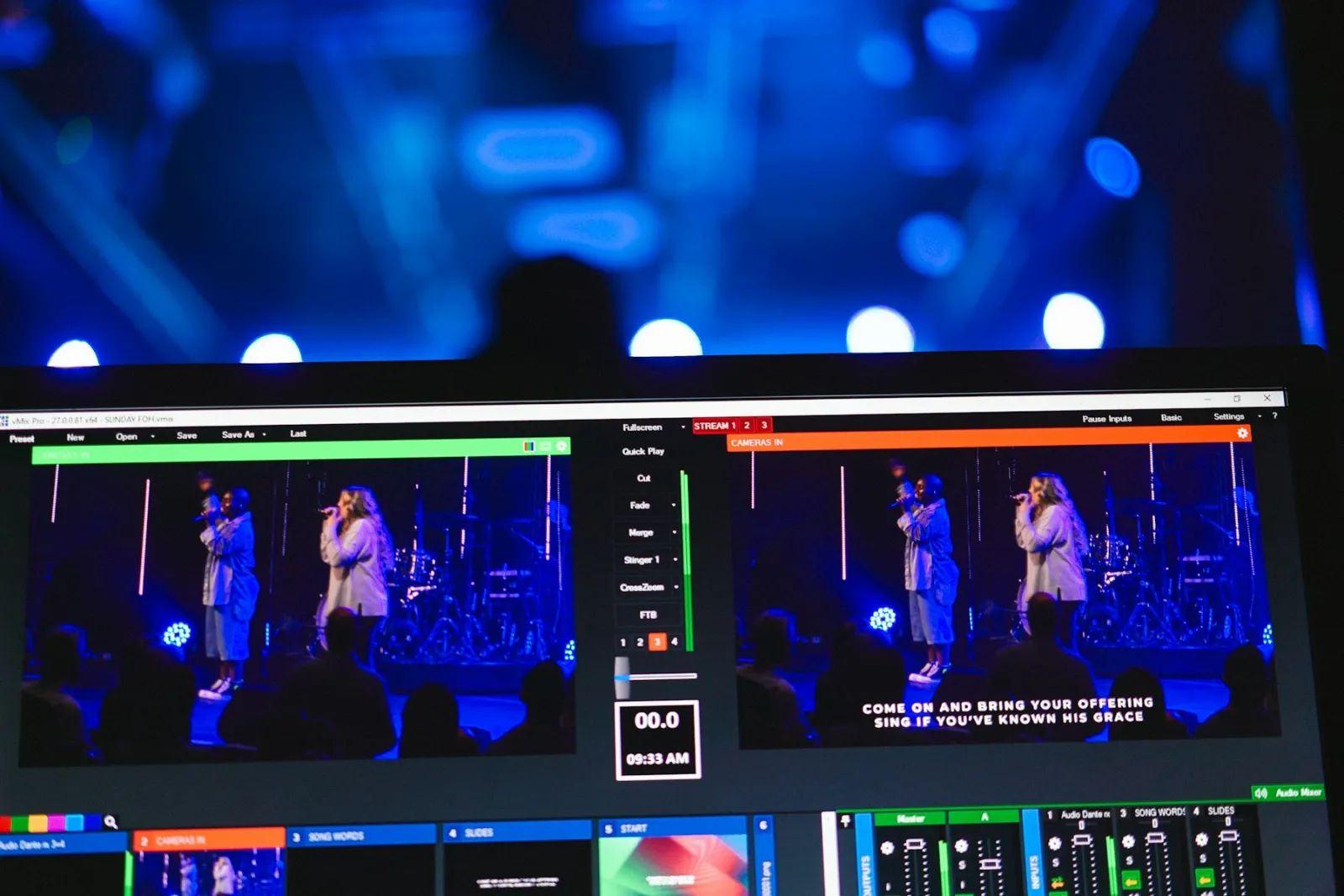
When the pastor says “turn to John 3:16”, viewers at home are looking for the page. A verse on screen lets them read along and stay with the message. With StreamPort you type the reference and the verse appears, without making slides.
Step 1: Open the Scripture tool
On the dock, tap Scripture. The first time, it opens so you can type a reference. Use the small arrow beside the button to open the scripture settings later.
Step 2: Type the reference
Type it the way you would write it: John 3:16, Ps 23, 1 Cor 13:4-7. Short book names work, and a whole chapter works too if you leave out the verse number.
Step 3: Choose a translation
StreamPort includes three public-domain translations: the King James Version (KJV), the World English Bible (WEB) and the American Standard Version (ASV). They work with no internet and have no licence fees. If your church uses a different translation, put its reference on screen and let viewers open their own Bible.
Step 4: Prepare your list before the service
Enter the passages from the sermon notes on Saturday, in the order they will be read. On Sunday your volunteer taps once to show the first verse and steps to the next one when the pastor moves on. Nothing has to be typed while the service is live.
Step 5: Show it, then take it off
Tap Scripture to show the verse and tap again to hide it. Leave each verse up long enough to read it twice, about as long as it takes the pastor to read it, then clear the screen so the speaker is not covered.
Make it easy to read
- Short passages work best. For long readings, show the reference only.
- Check it on a phone. Most viewers are on a small screen.
- Keep the contrast high. Light text on a dark band beats text over a busy picture.
- Check spelling of the reference before you go live, or use the preview.
Common questions
Does it need internet? The verses are stored in the app, so reading them needs no connection. Streaming does.
Can I show more than one verse? Yes. Type a range such as Romans 8:28-30.
Can I show it with names and slides? Yes. Scripture works alongside names, the countdown and your logo. See graphics for scripture, giving and announcements.
New to streaming from a phone or tablet? Start with how to live stream church services from an iPhone or iPad.
Go live from your iPad with StreamPort
Also on iPhone and Mac. Try it free for 14 days.
Keep reading
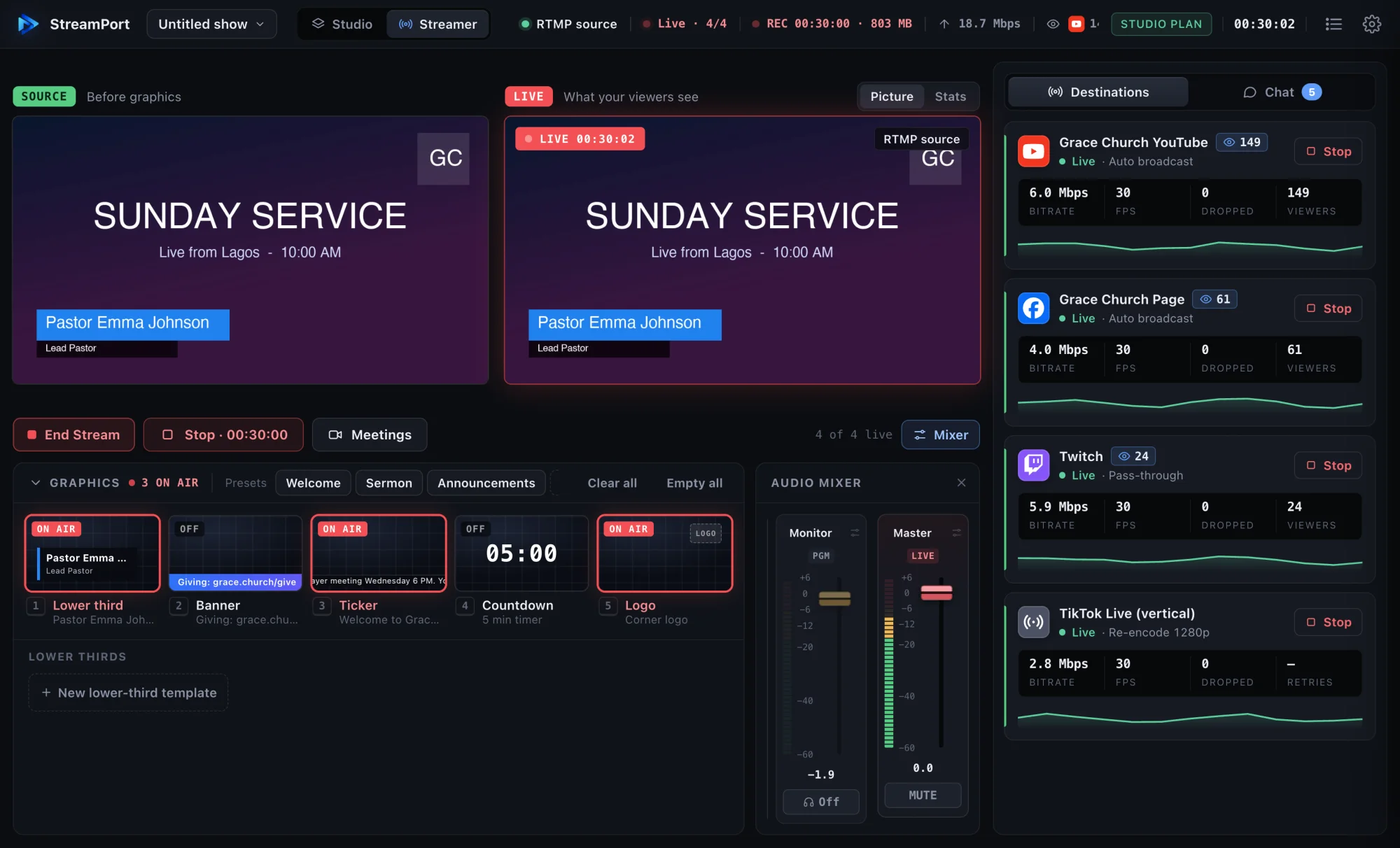
How to live stream church services from an iPhone or iPad
A simple Sunday setup for streaming your church service from an iPhone or iPad: gear, sound, names, slides, and a checklist one volunteer can follow.
The simple church livestream setup: everything you need on one Mac
A practical, affordable church livestream setup for small and growing churches, from cameras and sound to going live on YouTube and Facebook.
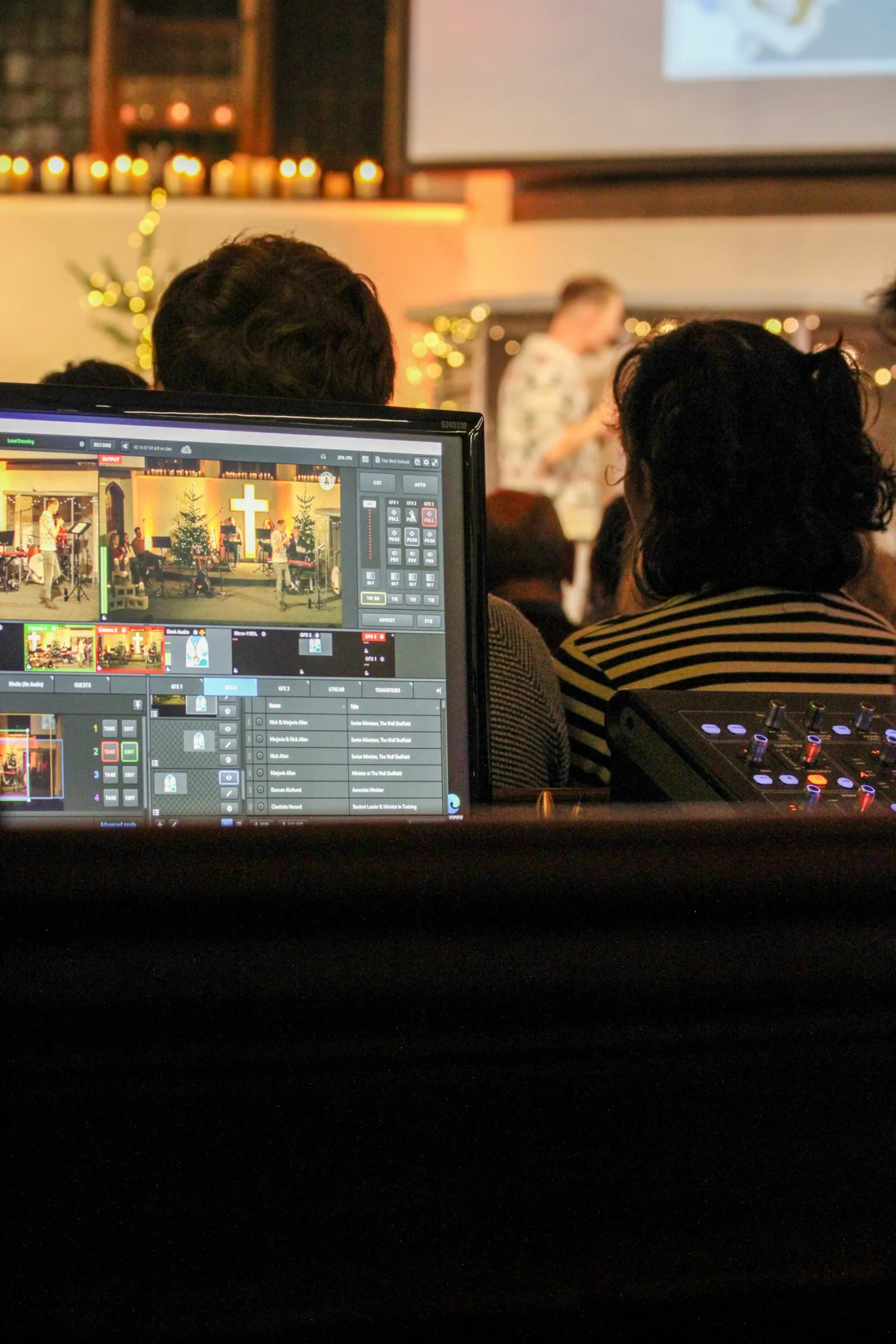
How to run a church livestream with just one volunteer
Presets, schedules and automation that let one volunteer run a polished church livestream calmly, even on their first Sunday.